
Team Discussions
Conversations That Live With Your Work
Threaded discussions, real-time chat, and channel-based communication built into your project flow. No more context switching between Slack and your work.
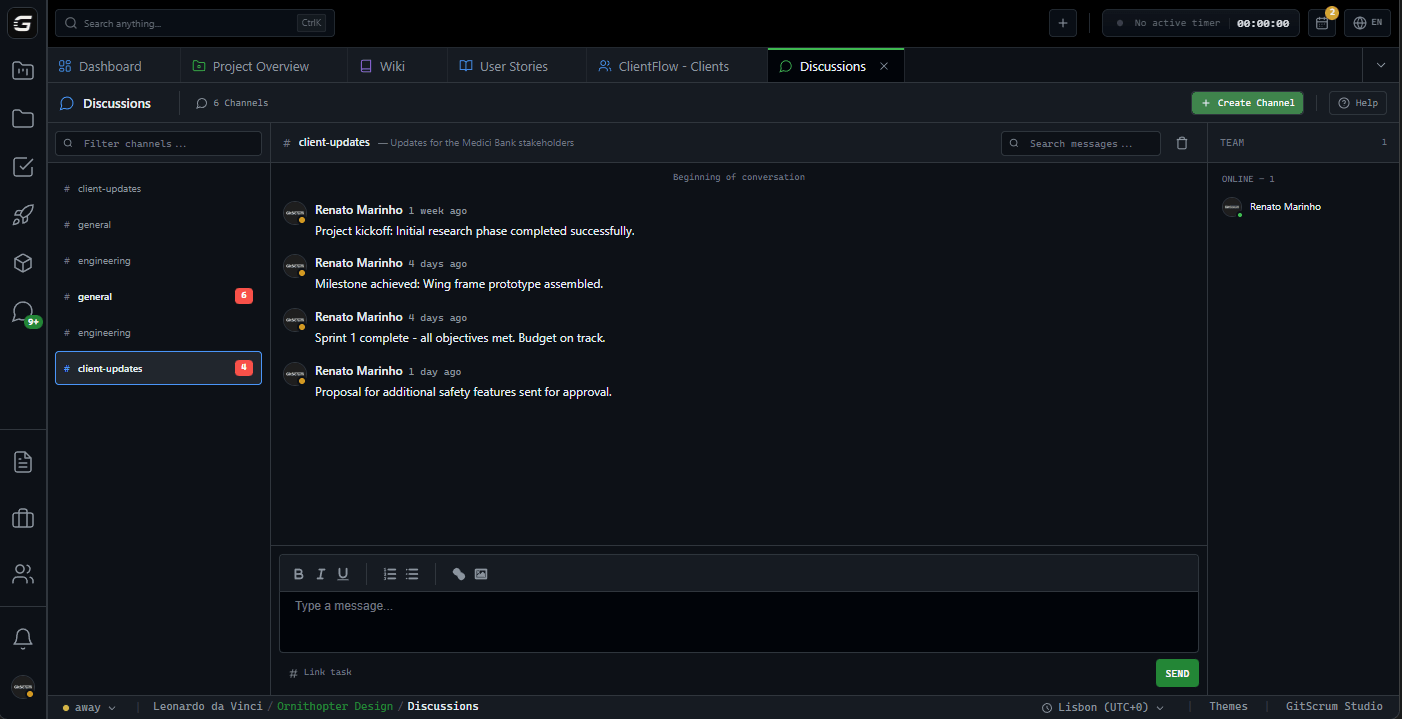
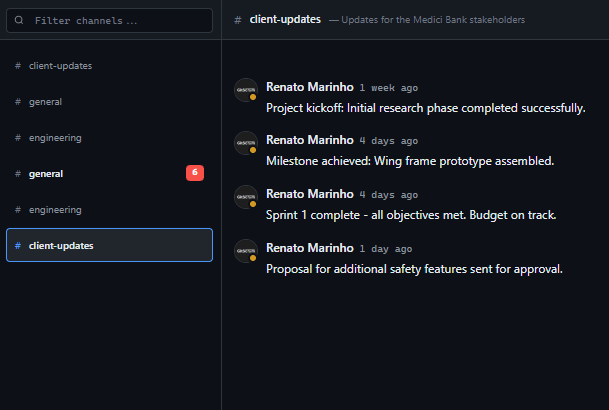
Organize conversations
by topic, not tool.
Create public or private channels for different teams, features, or discussions. All context stays with your project—no more hunting through Slack for that important decision.
See who's typing as it happens.
Live typing indicators, instant message delivery, and presence status. Know who's online and available without asking.
Keep discussions
organized and focused.
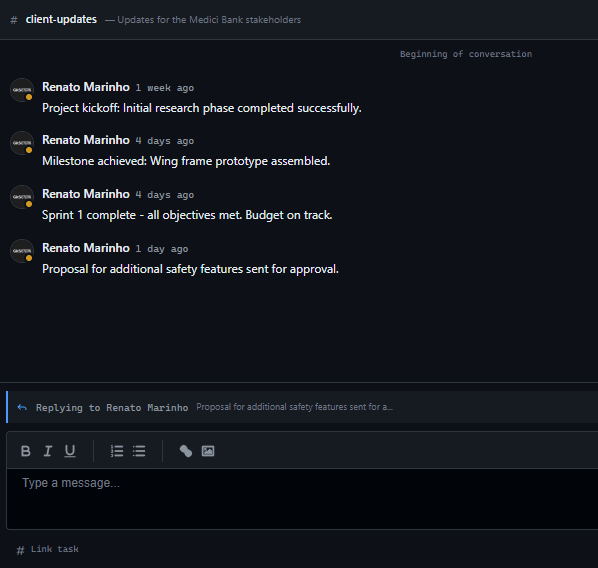
Reply to specific messages without cluttering the main channel. Follow conversation threads without losing track of the original context.
Get attention when it matters.
Mention team members directly in your messages. They'll receive instant notifications so nothing falls through the cracks.
Respond without interrupting flow.
Acknowledge messages with quick reactions instead of cluttering channels with "OK" or "Got it". Keep conversations clean and efficient.
How Discussions Work
Channel-based communication built into your project workflow.
Create channels
Organize conversations by topic, team, or feature. Public for visibility, private for sensitive discussions.
Start conversations
Send messages, mention teammates, and react to responses. Everything happens in real-time.
Stay in context
Reference tasks with #codes, follow threads, and search history. Decisions live with your work.
Who uses Discussions?
Agency Owners
Keep all client and team discussions in one place. No more scattered conversations across email, Slack, and project tools.
Consolidated communication hubProject Managers
Stay informed on project decisions without attending every meeting. Thread discussions keep context visible.
Async decision visibilityDevelopers
Discuss technical decisions where the work happens. Reference tasks with #codes and keep implementation context together.
Context-aware discussionsClients
Communicate with your team directly within the project. See progress updates and give feedback without email chains.
Direct project accessDiscussions vs. Alternatives
Built-in communication beats external tools.
| Capability | GitScrum | Slack | Discord | Teams |
|---|---|---|---|---|
| Built into project tool | ||||
| Threaded replies | ||||
| Task linking (#codes) | ||||
| Real-time typing indicators | ||||
| Project-scoped channels | Partial | |||
| Role-based access | Partial | |||
| Client portal access | External | |||
| Full search history | Paid |
Communication that lives with your work, not in a separate silo.
Frequently Asked Questions
Everything about project discussions.
Can clients participate in discussions?
Yes, clients can send messages in discussions. You control which channels they can access through project permissions.
Are private channels truly private?
Private channels are only visible to explicitly invited members. Even workspace admins can't see private channel content unless added.
Can I reference tasks in messages?
Yes, use #TASK-CODE format to create clickable links to tasks. The task modal opens when clicked for quick context.
Is message history retained?
All messages are retained permanently. Use search to find any conversation from your project history.
Do discussions work offline?
Messages queue locally and sync when reconnected. You'll see the full conversation once back online.
Can I mute noisy channels?
Yes, mute any channel to stop notifications while still having access. Unmute anytime from channel settings.
Communication that stays with your work.
Stop context-switching between chat apps and project tools. Keep all conversations where the work happens.
No credit card required







