
Async Standups
Skip the Meeting, Know Everything
What did they do yesterday? What's blocked? Who's overloaded? All answered in one glance. Async standups that respect deep work.
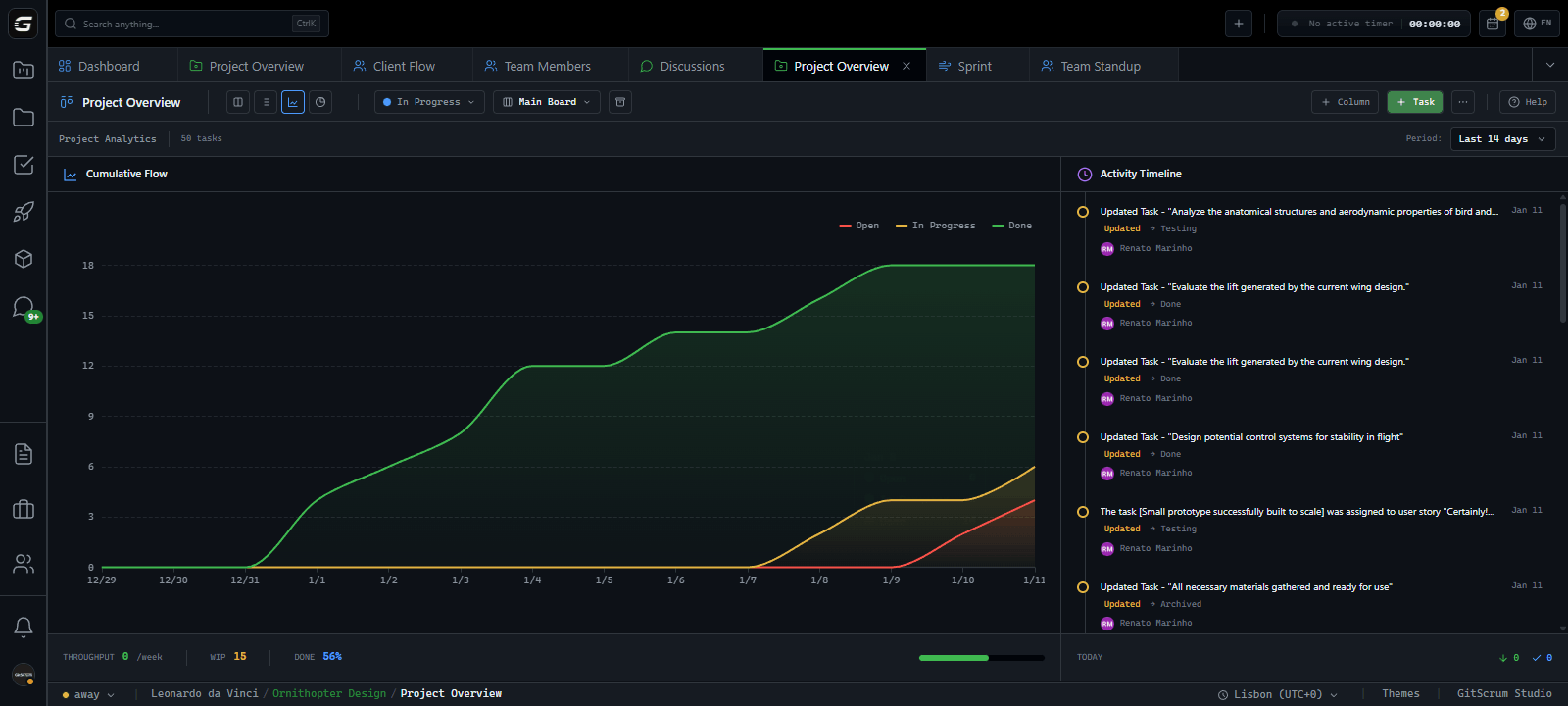
GitHub-style activity.
For your team.
Daily contribution charts for every team member. Completed tasks, created tasks, hours tracked. Visual patterns reveal who's shipping and who needs support.
What got done. Without asking.
Complete list of tasks closed yesterday. Who closed them, time tracked, effort points. No more going around the room asking for updates.
Current focus visible. No interruptions needed.
Every task currently in progress across your team. Assignees, time already tracked, status. Know what's happening without pinging anyone.
Surface blockers early.
Resolve them fast.
Tasks marked as blocked bubble up automatically. See how long they've been stuck, who's assigned, what's blocking progress. Critical blockers highlighted.
Waiting for API credentials from client
Dependency on design team for assets
Need clarification on requirements
Know who's available. Who's overloaded.
Real-time status for every team member. Tasks in progress, completed today, blocked count. Activity bars show capacity at a glance.
| Member | Status | In Progress | Today | Blocked | Activity |
|---|---|---|---|---|---|
JD John Doe | Working | 2 | 3 | 1 | 85% |
AM Anna Miller | Working | 1 | 2 | 1 | 72% |
SK Sam Kim | Has Blockers | 2 | 2 | 1 | 45% |
RB Rachel Brown | Working | 1 | 3 | 0 | 78% |
MJ Mike Johnson | Available | 0 | 1 | 0 | 20% |
LC Lisa Chen | Working | 2 | 1 | 0 | 65% |
Week at a glance.
Output tracked.
Seven-day breakdown of team activity. Total completed, created, blocked. Output change vs last week. Know if you're speeding up or slowing down.
Tasks in progress for too long without updates. Configurable threshold (default: 3 days). Surface forgotten work before deadlines hit.
Who uses Team Standups?
Agency Owners
Skip status meetings. Open the standup dashboard once a day to see team output, blockers, and delivery pace. Identify underperformers and overloaded team members instantly.
30 min daily meetings eliminatedProject Managers
Run async standups that actually work. Know what everyone did yesterday and what's blocked today. Spot stuck tasks before clients ask about them.
Blockers surfaced automaticallyDevelopers
No more standup interruptions. Your completed tasks auto-populate yesterday's view. Flag blockers once, visible to everyone. More time for deep work.
Protect your focus timeClients
See real progress without asking. Weekly digest shows output and delivery pace. Trust the team is shipping without micromanaging through Slack.
Visibility without meetingsWhy teams switch from status meetings
Your 30-minute daily standup costs 15 hours/week for a team of 6.
| Capability | GitScrum | Jira | Asana | Monday |
|---|---|---|---|---|
| Async standup updates | ||||
| Yesterday auto-populated | ||||
| Automatic blocker tracking | Manual | Manual | ||
| Real-time team status | Partial | Partial | ||
| Stuck task detection | ||||
| Weekly output tracking | Add-on | |||
| Contributor ranking | ||||
| Work schedule awareness |
Feature comparison based on native functionality. Some tools may offer similar features through add-ons or integrations.
Frequently asked questions
Everything about async team standups
How does yesterday's completed view populate?
Automatically. When a task moves to 'Done' or 'Closed' status, it appears in yesterday's completed list on the next day. No manual updates needed from your team.
What makes a task appear as blocked?
When someone marks a task with the 'blocker' flag. The task stays in the blockers view until the flag is removed. Hours blocked are calculated automatically.
How is output change calculated?
We compare this week's completed tasks against last week's. The percentage shows if you're shipping more (+) or less (-) than the previous period.
Can I customize the stuck task threshold?
Yes. The default is 3 days without updates, but you can adjust this threshold to match your team's pace and task complexity.
How does work schedule affect the views?
Non-working days (weekends, holidays) are shown differently in charts and don't affect output calculations. Team members' personal schedules are respected.
Can clients see the standup dashboard?
Client role users can view the weekly digest and contributor charts. Detailed task views require developer or manager permissions for internal context.
Replace standups with dashboards
Give your team back 30 minutes every day. Async updates that surface blockers, show progress, and track output — including agents — without a single meeting.
No credit card required · Setup in 2 minutes







