
Channels, wiki, features. One workspace.
Discussions organized by channels—filter, search, reply in context. Build your team's documentation hub with rich-text editor. Threaded async discussions with priority, points, and epic linking. Context that travels with the work.
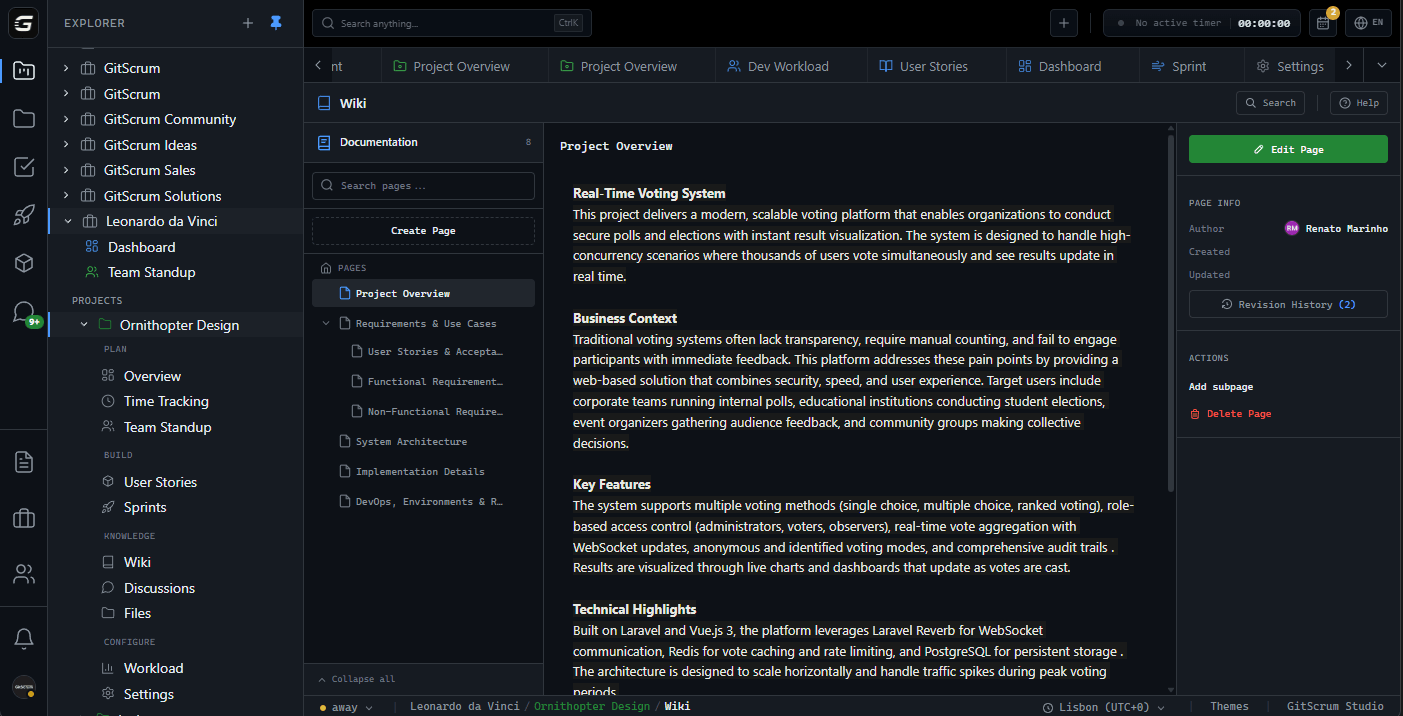
Your team loses 19% of every week. Searching.
Confluence for docs. Slack for discussions. Drive for files. Notion for planning. Knowledge scattered across 6 tools—until you have unified search that finds anything in milliseconds. New hires onboard in hours. Context never leaves with departing devs.
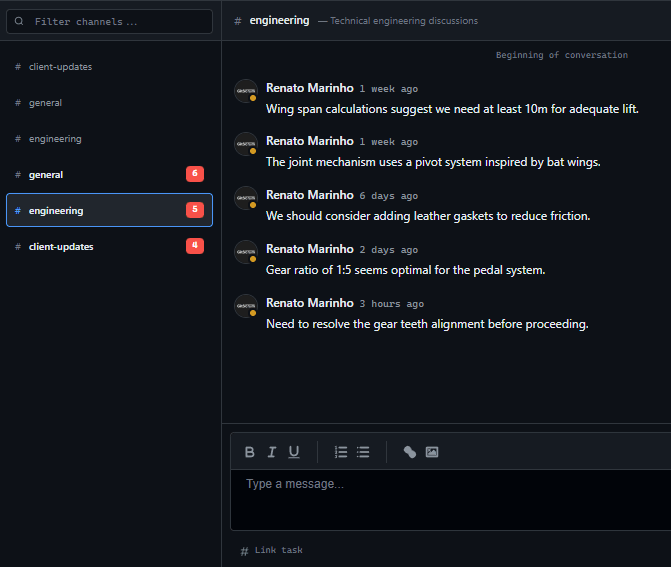
Discussions that don't disappear in scroll.
Slack messages expire. Your project decisions shouldn't. Channels organized by team, topic, or project. Smart notification controls ensure the right people see the right context. Full-text search finds anything instantly.
Engineering, design, product—each team has their space.
Topics stay contained. Decisions attached to discussion.
Reference tasks, wiki pages, and features directly in threads.
Context that travels with the work.
Tasks link directly to features . Wiki organized hierarchically. Discussions organized by channels. Files organized in folders. Each feature scoped to project.
Wiki Pages
Hierarchical docs with rich-text editor. Organized by project.
Discussions
Permanent threads organized by channels. Full-text search.
Tasks → Features
Every task links to its feature. Requirements tracked to delivery.
Clients see progress. Not your internal chaos.
Share exactly what clients need. Progress updates, milestones, deliverables. No access to internal discussions, developer comments, or budget details. Clean visibility without TMI.
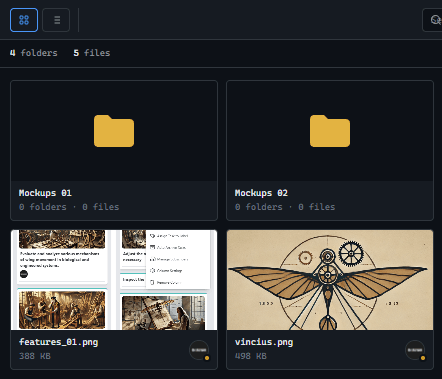
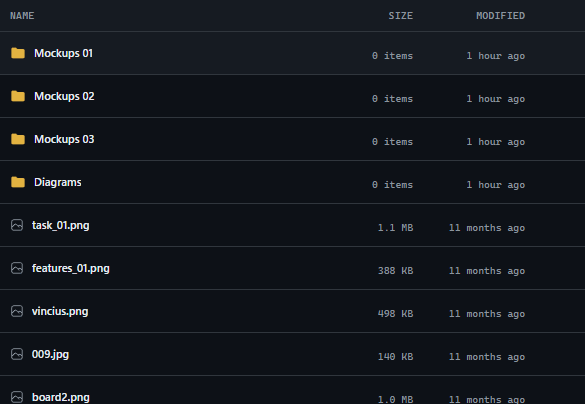
Centralized files. Zero chaos.
Hierarchical folders keep everything organized. Card or tree view. Breadcrumb navigation. Integrated file management with Dropbox and Google Drive. Comments on files. Full tracking of who uploaded what and when.
Build what was actually requested.
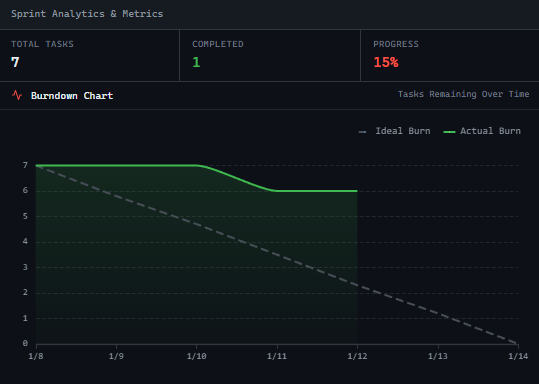
Features with acceptance criteria connect directly to release planning . Every requirement tracked through task execution to delivery. No more 'that's not what I asked for' moments.
As a Given: product manager reviewing analytics...
I want When: export dashboard data to CSV...
So that Then: stakeholders can review metrics offline.
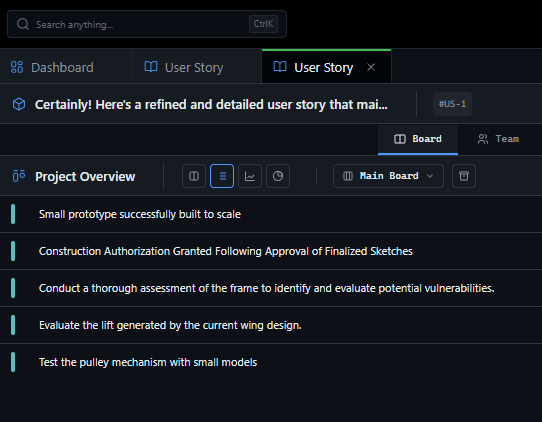
Your second brain. Instant recall.
Full-text search across wiki, discussions, tasks, features, files, and comments. Find that decision from 6 months ago in milliseconds. Context never lost.
Feedback cycles that actually accelerate.
Async communication, clear ownership, context preservation. Your team iterates faster because decisions don't get lost and context doesn't need re-explaining.
Stop hunting. Start building.
Context shouldn't be scattered across 12 tools. GitScrum keeps knowledge where work happens.
No credit card required • Setup in 2 minutes







