
Stop Dreading the Last Week of Every Month
Multiple clients. Multiple reports. Team pulling data from different platforms. Everyone works late the last days of the month. There has to be a better way.

problem.identify()
The Monthly Reporting Death March
Data Collection Takes Forever
Google Analytics. Google Ads. Facebook Ads. LinkedIn. HubSpot. SEMrush. Each client has different platforms. Pulling and formatting data consumes most of the reporting time.
No Time for Actual Analysis
You're so busy compiling numbers that there's no time to figure out what they mean. Reports become data dumps instead of strategic insights that justify your fees.
Inconsistent Report Quality
Senior strategist writes one report with deep insights. Junior analyst writes another with just numbers. Client experience varies wildly depending on who creates their report.
Last-Minute Client Requests
Report is ready to send. Client asks for additional breakdown by region. That data wasn't pulled. Entire workflow restarts while deadline pressure mounts.
Sound familiar?
See how GitScrum handles this in 2 minutes.
solution.implement()
Reporting Operations That Don't Break Your Team
Client Report Tracking Boards
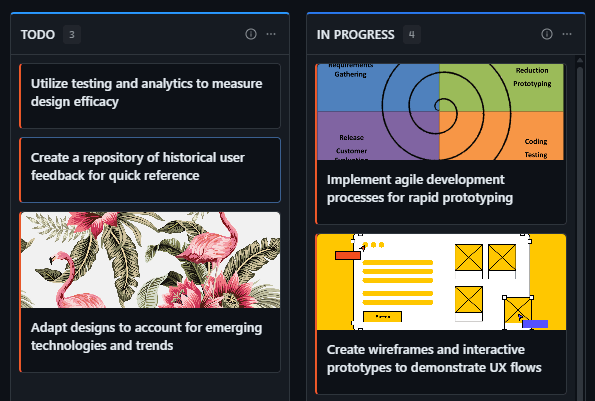
Every client has a monthly reporting card: Data Pulled → Analysis Complete → Draft Written → Internal Review → Client Delivered. Track all clients on one board.
Reporting Sprint Cycles
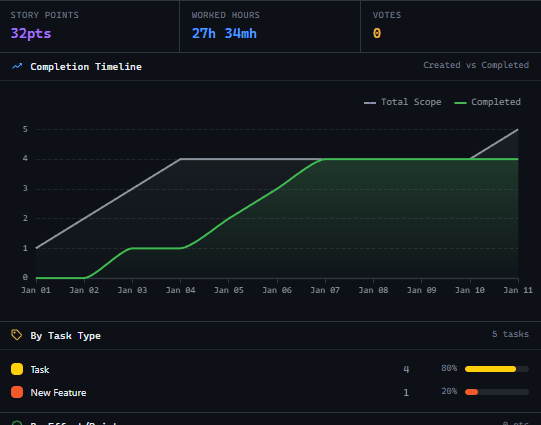
Schedule reporting sprints: Week 1-2 data collection, Week 3 analysis, Week 4 delivery. Resources are allocated, deadlines are clear, and nobody works weekends.
Report Template Documentation
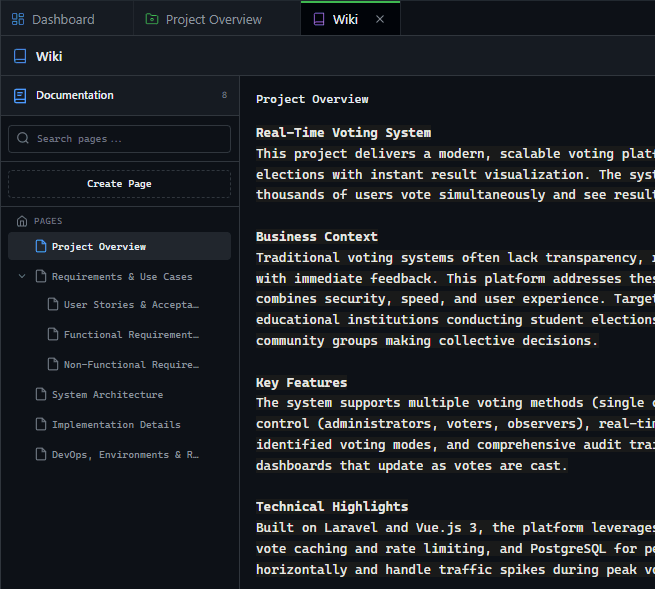
Document exactly what each client report should contain. Data sources, KPIs, visualization formats, strategic sections. Junior team members produce senior-quality reports.
Time Investment Tracking
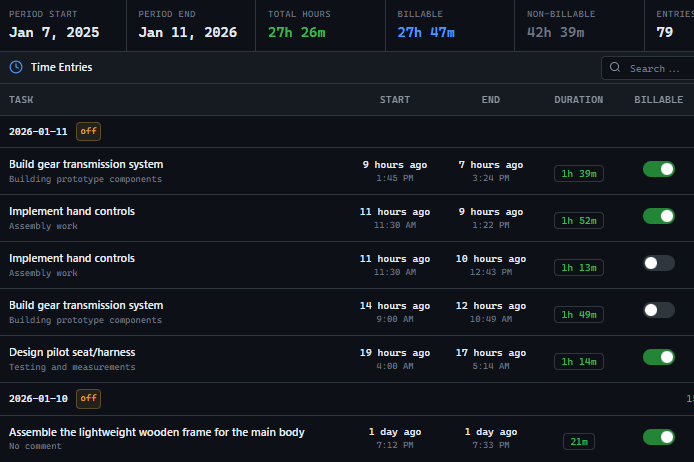
Track how long each client's report takes. Identify which clients consume disproportionate time. Justify retainer increases or process improvements with data.
These solutions work together. Try them today.
Team size GitScrum is built for
For teams up to 2 users
Per user, per month
"We stopped losing hours to status meetings. Now everyone sees progress in real-time."
Sarah Chen
Operations Lead, 15-person team
Frequently Asked Questions
Still have questions? Contact us at customer.service@gitscrum.com
How do we handle clients with different reporting schedules?
Create separate sprints for different cycles. Most clients are monthly, but some might be weekly or quarterly. Each cadence has its own board or sprint view.
Can we share reports directly through the platform?
Upload completed reports as attachments. Clients with portal access can download directly. Track when clients view their reports to know engagement levels.
What about ad-hoc reporting requests?
Log ad-hoc requests as separate tasks with time tracking. At quarter-end, show clients how much unplanned reporting they requested. Use data to discuss scope adjustments.
Ready to solve this?
Start free, no credit card required. Cancel anytime.







