
Launch Campaigns Without the Last-Minute Panic
Campaign launches tomorrow. Creative just finished. Media buying hasn't received the assets. Landing page has wrong UTM parameters. Client expects everything perfect in the morning.

problem.identify()
Why Campaign Launches Become Fire Drills
Creative Delivers Late, Everyone Scrambles
Creative team finalizes assets days before launch. Media buying needs more time to set up campaigns properly. Someone has to work the weekend or quality suffers.
Asset Versions Multiply Like Rabbits
Facebook needs 1080x1080. Instagram Stories need 1080x1920. Google Display needs multiple different sizes. Client approved one version but media team has another. Which one is live?
Tracking Setup Falls Through Cracks
Campaign launches. Weeks later, analytics realizes UTM parameters were wrong. You can't tell which channel drove the conversions. Client questions your ROI numbers.
Client Approvals Create Bottlenecks
Creative needs client sign-off. Client contact is traveling. Their replacement doesn't have authority to approve. Launch date gets pushed while competitors run their campaigns.
Sound familiar?
See how GitScrum handles this in 2 minutes.
solution.implement()
Campaign Operations That Scale
Launch Countdown Boards
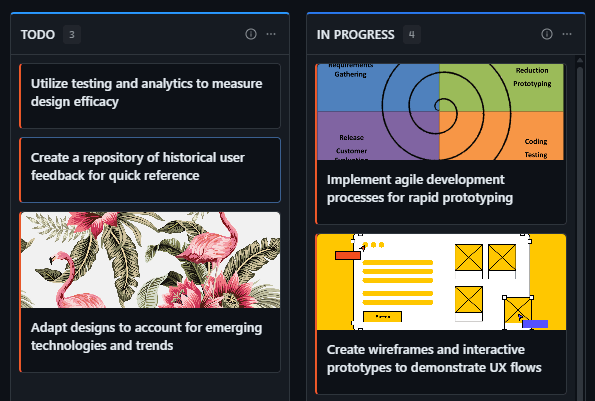
Every campaign has a board with clear phases: Brief → Creative Development → Client Approval → Asset Handoff → Media Setup → QA → Launch. Nobody can skip steps.
Asset Management with Version Control
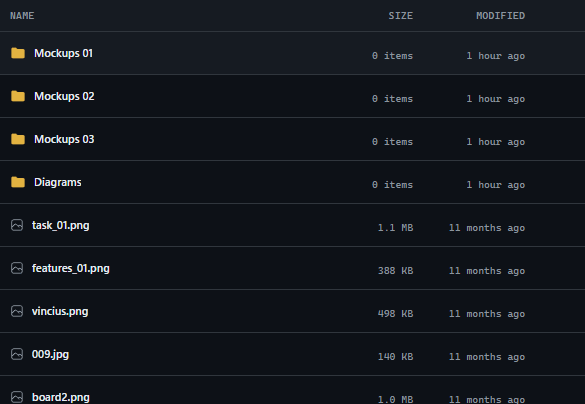
Upload all creative assets to the campaign task. Track versions, approvals, and which sizes are complete. Media team always knows where to find the latest approved files.
Client Approval Workflows
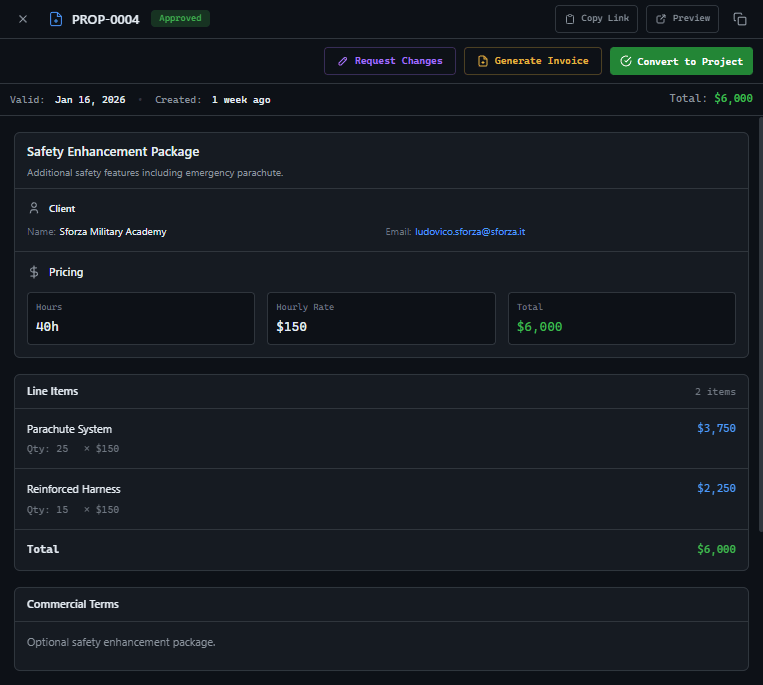
Route creative through structured approval. Client sees exactly what needs sign-off. Automatic reminders if approval is pending. No more chasing emails for responses.
Launch Checklist Automation
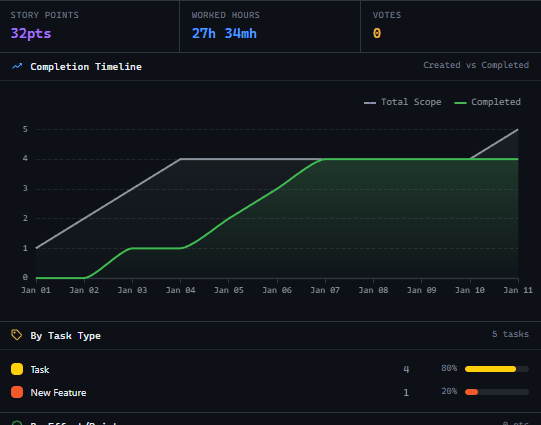
Pre-launch checklist ensures nothing is forgotten: UTM parameters verified, pixels installed, landing pages tested, budget caps set. Campaign doesn't go live until every box is checked.
These solutions work together. Try them today.
Team size GitScrum is built for
For teams up to 2 users
Per user, per month
"We stopped losing hours to status meetings. Now everyone sees progress in real-time."
Sarah Chen
Operations Lead, 15-person team
Frequently Asked Questions
Still have questions? Contact us at customer.service@gitscrum.com
How do we handle campaigns with many creative variations?
Create sub-tasks for each variation set. A/B test variations can be tracked separately while rolling up to the main campaign status. Media team sees exactly which variations are approved and ready.
Can clients see the campaign timeline?
Yes. Share a read-only view with clients showing key milestones and current progress. They can see when their approval is needed without accessing internal production details.
What about always-on campaigns that need regular creative refreshes?
Set up recurring sprints for creative refreshes. Monthly board resets with the same workflow. Historical performance data stays linked to each creative cycle for analysis.
Ready to solve this?
Start free, no credit card required. Cancel anytime.







