
Ship Software for Multiple Clients Without Dropping Any Balls
Your senior developer is on multiple projects. Client A needs a hotfix today. Client B's sprint ends Friday. Client C is escalating because nobody updated their staging server in two weeks.
The annual upgrade
One-time priceStop managing projects. Start directing agents, as a team.
Annual pricing per user multiplies as your team grows, and fifty seats means thousands of dollars every year. This upgrade puts your entire team on the full platform for one payment of $106.80.
- Up to 50 Pro seats on one annual plan
- One link connects Claude, Cursor, ChatGPT or any MCP client
- You just watch: every agent, every task, every outcome, in one workspace.
$2,500/year
Secure checkout with Stripe
Works on








Built for the agent era, at a price that will not come back.
Pricing
Plans for every stage of your team
Start free with your first projects. Go per user when the board grows, or lock in the full annual plan.
Pro
Most PopularPick your user count in your account
$3.36/user/mo
billed as $40.32/year · Save $10.08/user/year
Enterprise
Volume licensing, SSO and dedicated support for large orgs.
Customtailored to your needs
problem.identify()
Why Multi-Client Development Becomes Chaos
Developer Context Switching Hell
Your developer switches between multiple codebases daily. Each has different conventions, tech stacks, and deployment processes. Productivity drops significantly from constant context switching.
Sprint Overlaps and Conflicts
Multiple clients have sprints ending the same week. QA is overwhelmed. Releases slip. Clients blame you for overpromising, but nobody saw the collision coming.
Client Communication Fragmentation
Some clients use Slack. Others prefer email. One insists on weekly calls. Keeping track of who said what about which project requires a photographic memory.
Technical Debt Across Projects
Client A's codebase is falling behind on security patches. Client B needs a framework upgrade. Nobody tracks this across projects, so technical debt compounds silently.
Sound familiar?
See how GitScrum handles this in 2 minutes.
solution.implement()
Agency-Scale Software Delivery
Portfolio-Wide Sprint Calendar
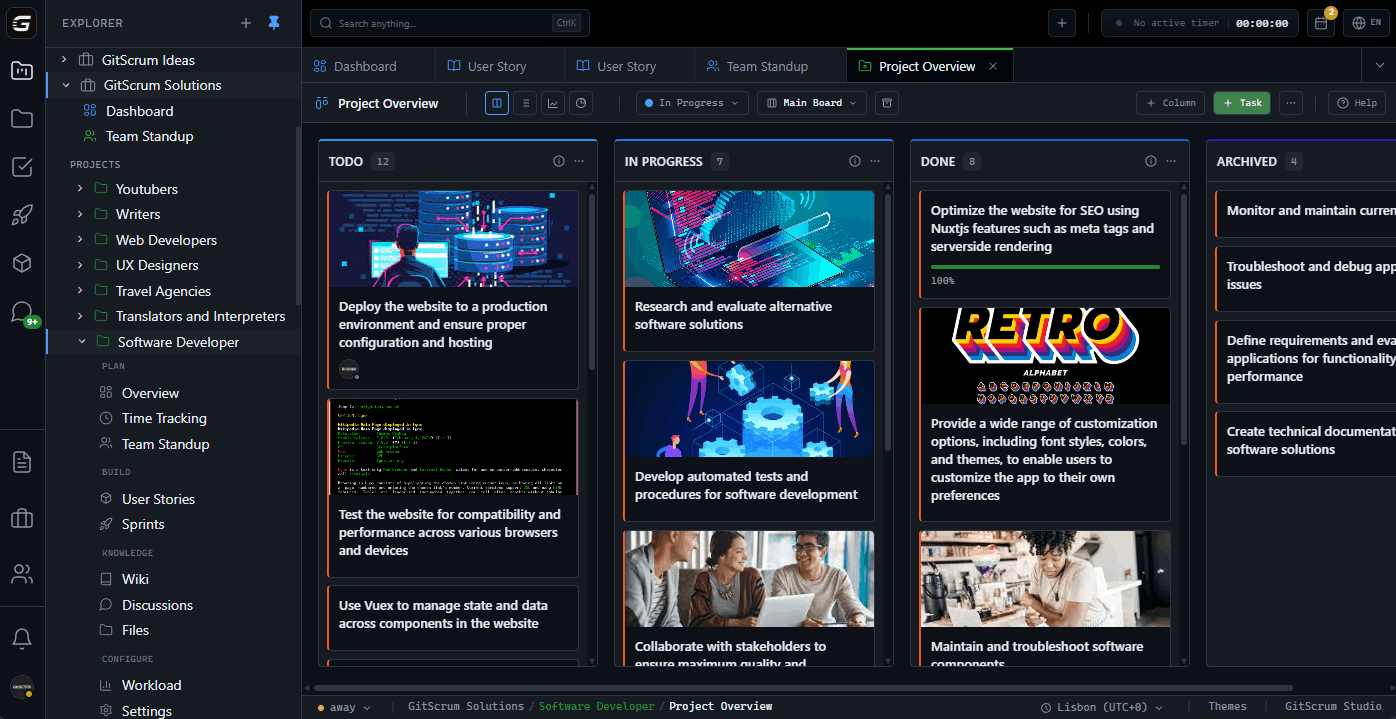
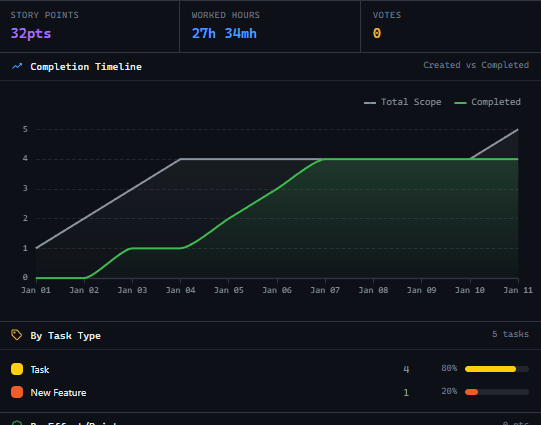
See all client sprints in one calendar view. Spot overlapping deadlines before they collide. Plan releases so QA capacity matches demand across all projects.
Developer Assignment Visibility
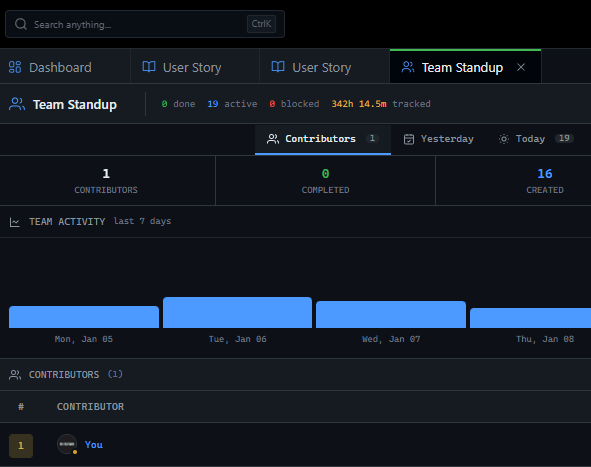
See which developer is assigned to which client and when. Before committing to a new sprint, check if your resources are actually available.
Unified Client Communication Hub
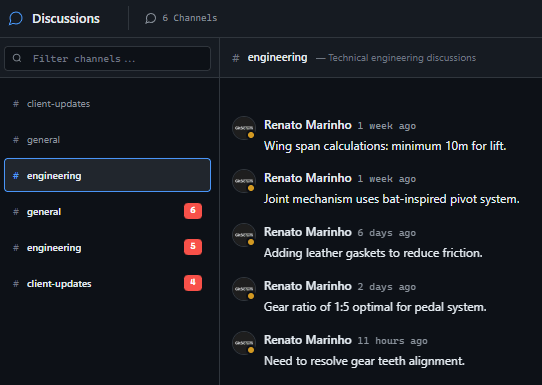
All client conversations linked to their project tasks. Whether they email, use the portal, or message on Slack—everything is captured in context.
Per-Client Technical Debt Tracking
Create technical debt boards per client. Track security patches, dependency updates, and refactoring needs. Include debt reduction in sprint planning.
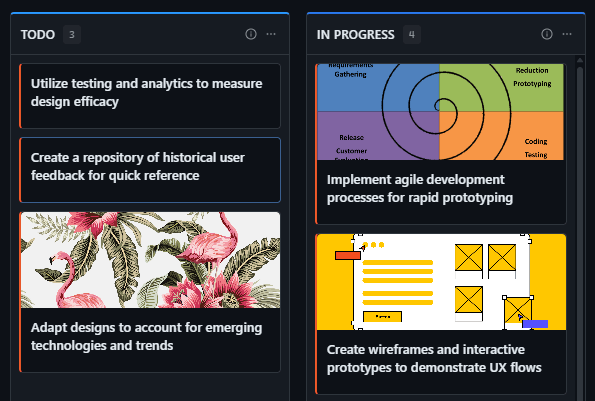
These solutions work together. Try them today.
Team size GitScrum is built for
For teams up to 2 users
Per user, per month
"We stopped losing hours to status meetings. Now everyone sees progress in real-time."
Sarah Chen
Operations Lead, 15-person team
Frequently Asked Questions
Still have questions? Contact us at customer.service@gitscrum.com
How do we handle clients with different methodologies?
Client A uses Scrum, Client B prefers Kanban, Client C wants waterfall milestones. Create board templates per methodology. Each client sees their preferred structure even though your team uses a unified backend.
Can clients see only their own project?
Absolutely. Client portal shows only their project, their tasks, their timeline. They never see other clients or your internal capacity planning. Complete privacy between accounts.
What about shared components used across client projects?
Track shared libraries and components as internal projects. When you update a shared component, see which client projects use it and need updates. Manage internal and client work in one place.
Ready to solve this?
Start free, no credit card required. Cancel anytime.