
Get Client Sign-Off Without the UAT Drama
Client tests for days. Sends dozens of emails with screenshots of 'bugs' that are actually features working as designed. Weeks later, they still haven't formally signed off.
problem.identify()
Why UAT Cycles Drag On Forever
Unstructured Bug Reports
Client sends 'the button doesn't work.' Which button? What browser? What did they expect? You spend more time clarifying reports than fixing actual issues.
Feature Requests Disguised as Bugs
'The export should also include the date column.' That's not a bug—that's a new requirement. Without clear categorization, scope creep hides in your UAT backlog.
No Clear Definition of Done
You fixed all reported bugs. Client says 'we need more time to test.' What are they testing? When will they be done? UAT becomes an open-ended delay tactic.
Sign-Off Accountability Gap
Everyone on the client side tested. Nobody wants to be the one to formally approve. The project stays in limbo because sign-off authority wasn't established upfront.
Sound familiar?
See how GitScrum handles this in 2 minutes.
solution.implement()
UAT That Leads to Actual Sign-Off
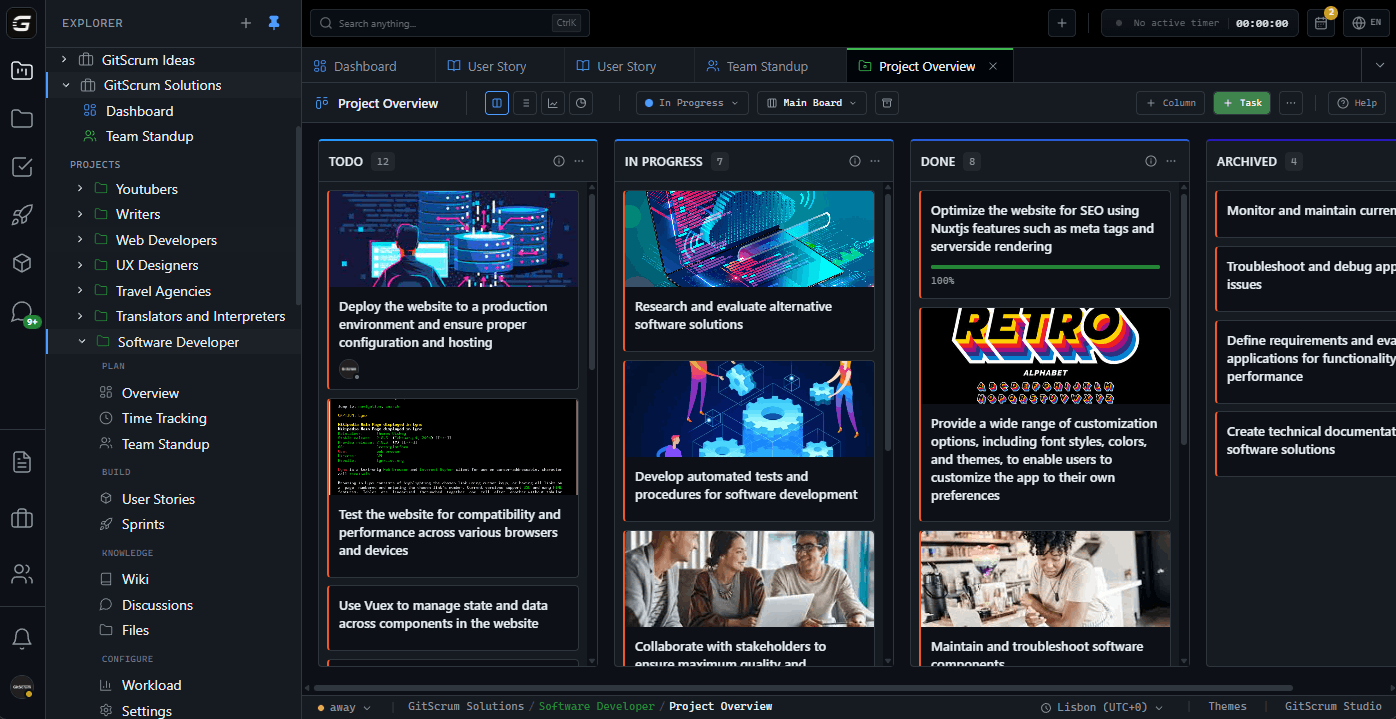
Structured Issue Submission
Clients report issues through a form: What happened, what was expected, what browser, upload screenshot. No more detective work to understand bug reports.
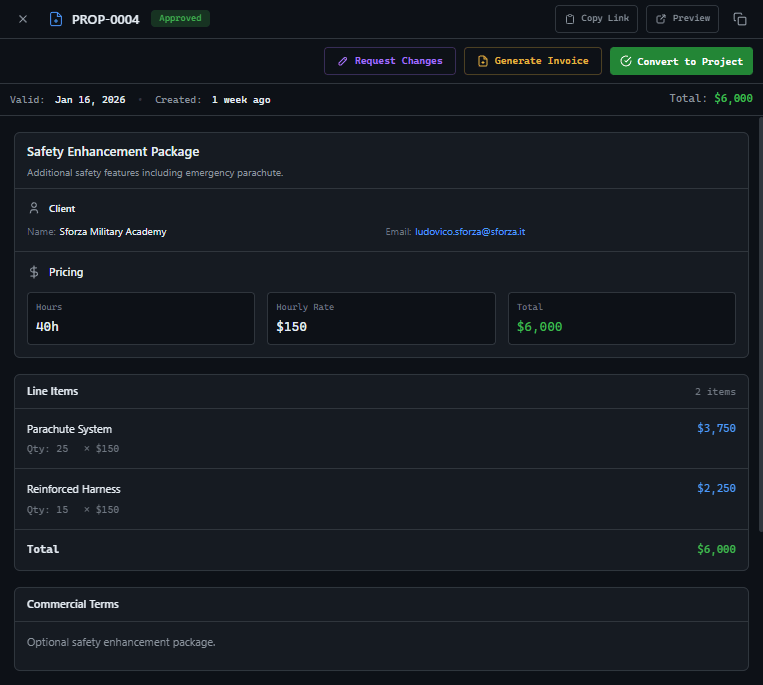
Issue Categorization Workflow
Triage incoming reports: Bug, Enhancement Request, or Working as Designed. Client sees the categorization and can dispute. Clear distinction between scope and defects.
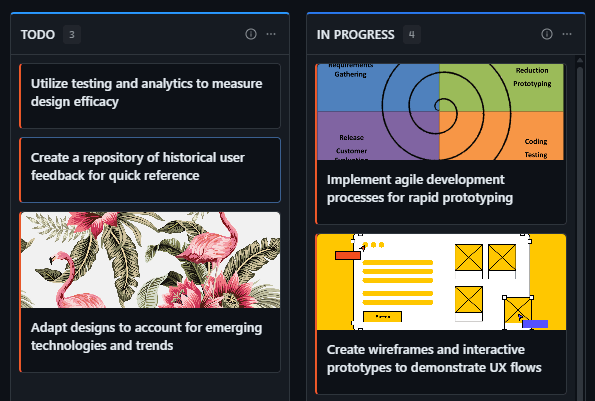
Test Case Checklists
Define exactly what needs testing: Login flow, checkout process, admin functions. Client checks off each test. When all tests pass, UAT is objectively complete.
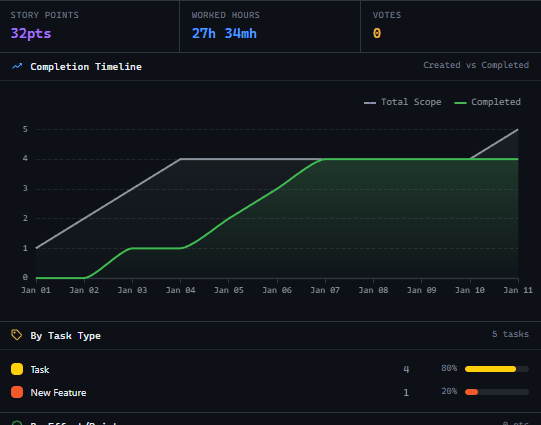
Digital Sign-Off Workflow
Designated approver gets a sign-off request. They see all resolved issues, remaining items, and test results. One click to formally approve. Audit trail for disputes.
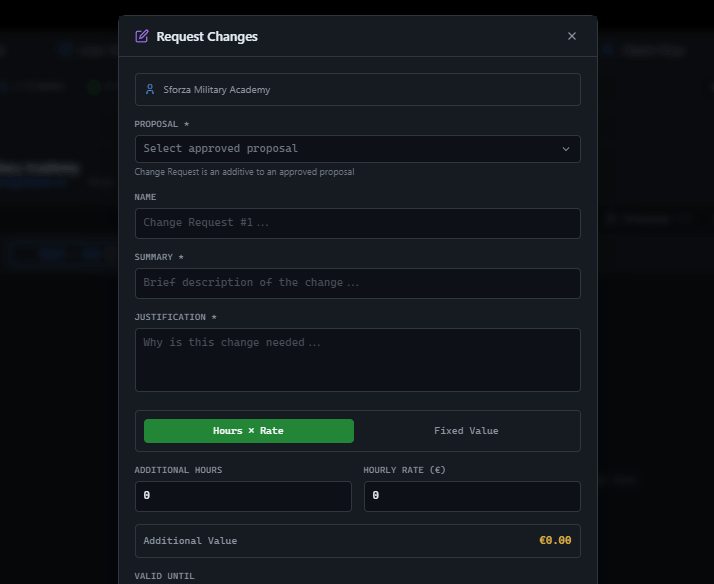
These solutions work together. Try them today.
Team size GitScrum is built for
For teams up to 2 users
Per user, per month
"We stopped losing hours to status meetings. Now everyone sees progress in real-time."
Sarah Chen
Operations Lead, 15-person team
Frequently Asked Questions
Still have questions? Contact us at customer.service@gitscrum.com
Can non-technical clients use the issue submission system?
Designed for non-technical users. They describe what happened in plain language, the form guides them through browser info, and screenshot upload is drag-and-drop. No technical knowledge required.
How do we handle issues found after sign-off?
Post-sign-off issues go to a separate warranty/support board. You can track them separately from the original project scope. Clear boundary between project delivery and ongoing support.
What if the client disagrees with a 'Working as Designed' categorization?
They can dispute with a comment. If it's genuinely a misunderstanding about requirements, it becomes a change request. If you're right, the audit trail shows the original spec that matches the behavior.
Ready to solve this?
Start free, no credit card required. Cancel anytime.







