
Stop Losing Money on Shoot Day Chaos
Crew arrives at location. Key grip says he confirmed different address. Talent is stuck in traffic. Wardrobe wasn't told about the color change. You're burning money every hour while everyone figures out what went wrong.
The annual upgrade
One-time priceStop managing projects. Start directing agents, as a team.
Annual pricing per user multiplies as your team grows, and fifty seats means thousands of dollars every year. This upgrade puts your entire team on the full platform for one payment of $106.80.
- Up to 50 Pro seats on one annual plan
- One link connects Claude, Cursor, ChatGPT or any MCP client
- You just watch: every agent, every task, every outcome, in one workspace.
$2,500/year
Secure checkout with Stripe
Works on








Built for the agent era, at a price that will not come back.
Pricing
Plans for every stage of your team
Start free with your first projects. Go per user when the board grows, or lock in the full annual plan.
Pro
Most PopularPick your user count in your account
$3.36/user/mo
billed as $40.32/year · Save $10.08/user/year
Enterprise
Volume licensing, SSO and dedicated support for large orgs.
Customtailored to your needs
problem.identify()
Why Video Shoots Go Off the Rails
Information Lives in Group Chats
Call sheet changes get posted in one WhatsApp thread. Talent asks questions in another. Producer sends updates via email. Nobody knows which information is current or where to find it.
Equipment Coordination Is Mental
DP needs specific lens package. Producer thinks it's confirmed. Rental house says nobody called. Day before shoot, scrambling for gear that should have been locked weeks ago.
Creative Approvals Stack Up
Client approved treatment. But not storyboards. Director made changes. Client hasn't seen new version. Day of shoot, client questions shots that were never formally approved.
Crew Confirmations Are Scattered
20 crew members. Some confirmed via text. Others by phone. Producer thinks everyone's locked. Day before, discovers gaffer took another job because confirmation email went to spam.
Sound familiar?
See how GitScrum handles this in 2 minutes.
solution.implement()
Shoots That Run Like Clockwork
Single Source of Truth
All shoot information in one place. Call times, locations, creative briefs, equipment lists. When something changes, everyone sees the current version. No more archaeological digs through chat threads.
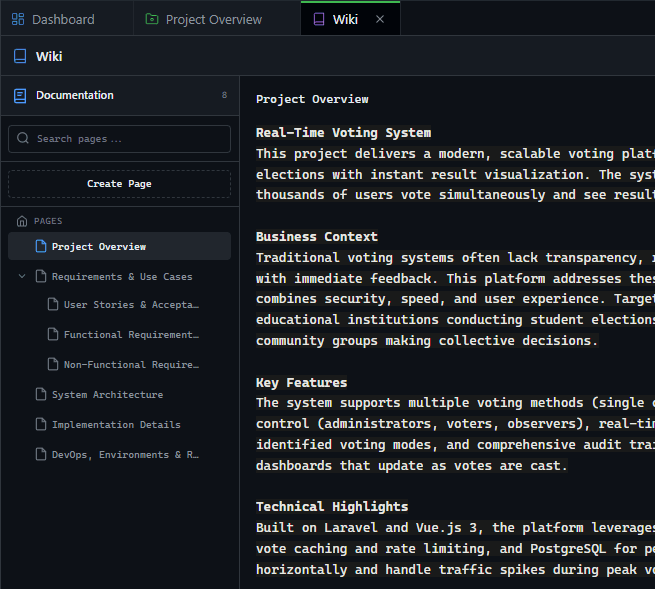
Equipment Coordination Tracking
Track every piece of gear: camera package, lighting, grip, audio. Status visible—requested, confirmed, checked out, returned. Know what's locked and what needs follow-up before shoot day.
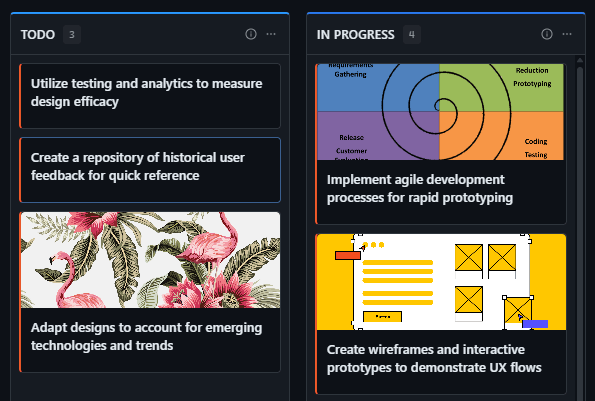
Creative Approval Workflow
Treatment, moodboard, storyboard, shot list—each needs explicit client sign-off. Track approval status. Don't proceed to next stage without documented approval. No surprises on set.
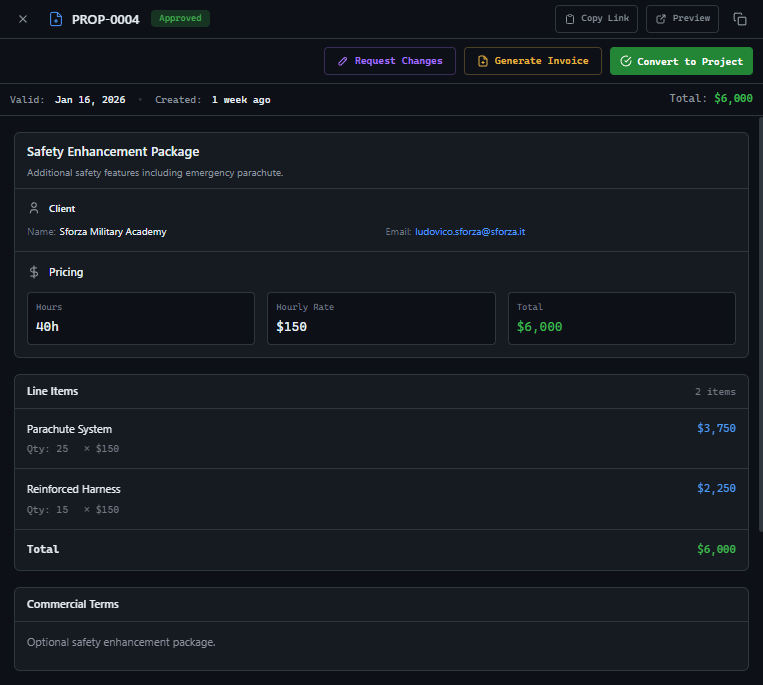
Crew Confirmation Dashboard
See confirmation status for every crew member in one view. Pending, confirmed, declined. Auto-remind those who haven't responded. Know your crew is locked before the day-before scramble.
These solutions work together. Try them today.
Team size GitScrum is built for
For teams up to 2 users
Per user, per month
"We stopped losing hours to status meetings. Now everyone sees progress in real-time."
Sarah Chen
Operations Lead, 15-person team
Frequently Asked Questions
Still have questions? Contact us at customer.service@gitscrum.com
How do we handle last-minute changes the day before?
Log changes with timestamp and notify affected parties. Track acknowledgment. When location changes at 6pm, know who's been notified and who still needs to see the update.
Can freelance crew access what they need without seeing everything?
Yes. Give crew role-based access. Gaffer sees call time, location, and their specific equipment needs. They don't see budget, client communications, or unrelated departments.
How do we coordinate multiple shoot days?
Each shoot day has its own preparation checklist. See status across all days in one view. Day 2 equipment needs link to Day 1 returns. Nothing falls through between days.
Ready to solve this?
Start free, no credit card required. Cancel anytime.