
Maintain Dozens of WordPress Sites Without Letting Any Fall Behind
Client B's site got hacked because nobody updated that vulnerable plugin from 4 months ago. Client D is over their support hours but keeps emailing requests. You're not sure which sites were backed up this week.

The annual upgrade
One-time priceStop managing projects. Start directing agents, as a team.
Annual pricing per user multiplies as your team grows, and fifty seats means thousands of dollars every year. This upgrade puts your entire team on the full platform for one payment of $106.80.
- Up to 50 Pro seats on one annual plan
- One link connects Claude, Cursor, ChatGPT or any MCP client
- You just watch: every agent, every task, every outcome, in one workspace.
$2,500/year
Secure checkout with Stripe
Works on








Built for the agent era, at a price that will not come back.
Pricing
Plans for every stage of your team
Start free with your first projects. Go per user when the board grows, or lock in the full annual plan.
Pro
Most PopularPick your user count in your account
$3.36/user/mo
billed as $40.32/year · Save $10.08/user/year
Enterprise
Volume licensing, SSO and dedicated support for large orgs.
Customtailored to your needs
problem.identify()
Why WordPress Maintenance Goes Wrong
Update Tracking Across Sites
50 sites × 15 plugins each = 750 potential updates. Which are critical security patches? Which can wait? Nobody has a reliable system. Updates happen when someone remembers.
Support Hour Tracking Chaos
Client has 4 hours/month. You've done 6 hours of work. Nobody noticed until billing. Now you're either eating the cost or having an awkward conversation about overages.
Backup Verification Gaps
Backups run automatically. But are they completing successfully? Is the data actually restorable? You find out when client needs a restore and backup is corrupted.
Security Monitoring Blind Spots
Malware infection happened 2 weeks ago. Nobody noticed until Google flagged the site as dangerous. By then, client's reputation and SEO are damaged. Reactive instead of proactive.
Sound familiar?
See how GitScrum handles this in 2 minutes.
solution.implement()
Systematic WordPress Maintenance
Site Health Dashboard
One view showing all client sites: last update, backup status, security scan result, SSL expiry. Red flags for sites needing attention. Prioritize maintenance proactively.
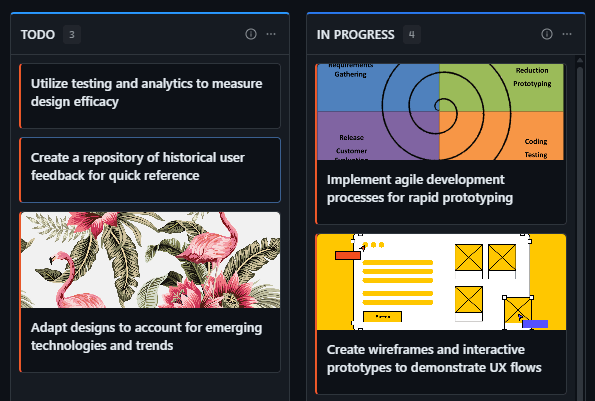
Recurring Maintenance Tasks
Monthly tasks auto-generate: check updates, verify backups, run security scan, review uptime. Complete the checklist, mark done. Nothing gets forgotten across 50 sites.
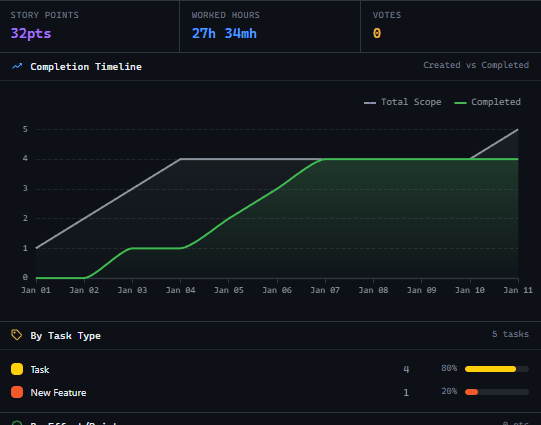
Support Hour Tracking
Log time against each client. See remaining hours before starting work. Alert when approaching limit. Client portal shows their usage. No more billing surprises.
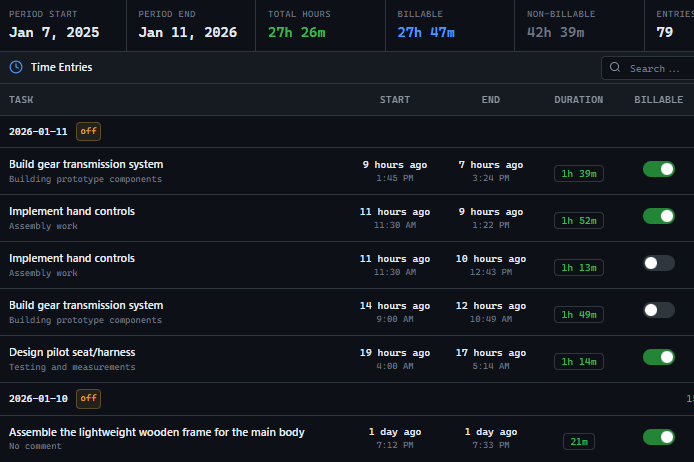
Client Support Request Portal
Clients submit requests through portal instead of email. Requests become tracked tasks. You see priority, status, time logged. Client sees progress without flooding your inbox.
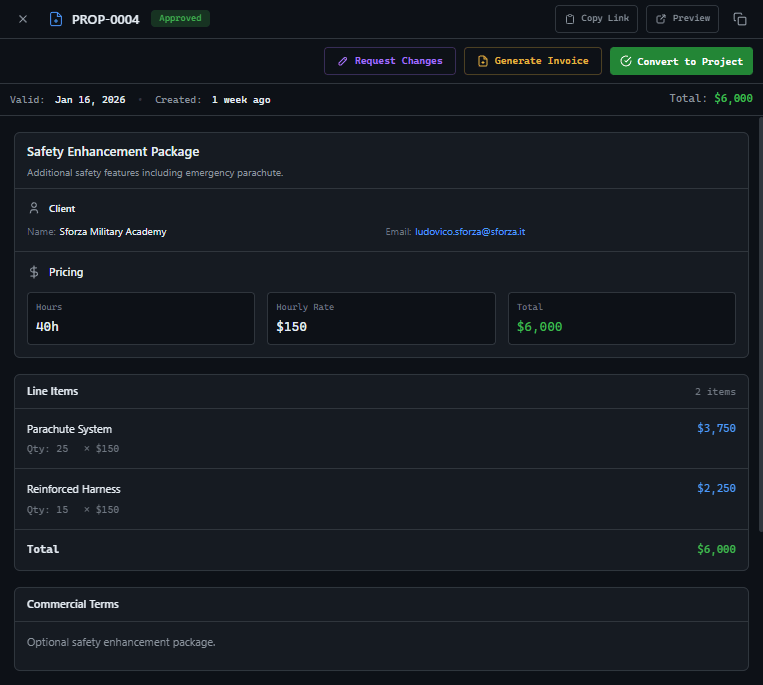
These solutions work together. Try them today.
Team size GitScrum is built for
For teams up to 2 users
Per user, per month
"We stopped losing hours to status meetings. Now everyone sees progress in real-time."
Sarah Chen
Operations Lead, 15-person team
Frequently Asked Questions
Still have questions? Contact us at customer.service@gitscrum.com
Does this integrate with MainWP or ManageWP?
GitScrum manages the workflow layer. Your maintenance plugins handle the technical execution. When MainWP shows updates available, create tasks in GitScrum to track completion and client communication.
How do we handle emergency security issues?
Critical issues bypass normal workflow. Create high-priority task, alert relevant team member, track resolution time. Post-incident, log what happened for client transparency and internal improvements.
Can clients see their site's maintenance history?
Client portal shows completed maintenance tasks, backup confirmations, security scan results. They see the value of their retainer. Builds trust and reduces 'what are we paying for?' questions.
Ready to solve this?
Start free, no credit card required. Cancel anytime.