
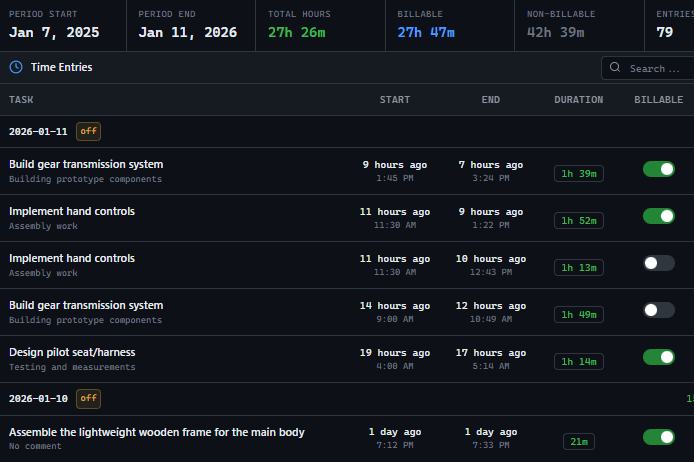







Tool switching is inevitable in technology organizations.
Business needs change, better options emerge, acquisitions force consolidation. But every switch creates a historical data problem.
Time tracking data is particularly vulnerable because it accumulates over years and has complex relationships with projects, clients, tasks, and people that change over time. Consider what happens during a typical time tracking migration: The old system has three years of entries with custom categorization specific to the organization.
Project codes map to a taxonomy that has evolved. Client names may have changed.
Employees who logged time may have left the company. The new system has its own data model, its own categorization options, its own way of handling these relationships.
A full migration would require: Exporting all historical data in a format the new system can import. Mapping old categories to new categories.
Reconciling changed project and client structures. Handling entries from departed employees.
Preserving the audit trail of who logged what when. Most organizations do not complete this fully.
They do a partial migration, lose some data, and keep paying for the old system just to have reference access. Historical data becomes fragmented across multiple defunct systems.
When someone needs to understand past performance or estimate future work based on history, they cannot get a complete picture. A unified platform with data portability and longevity commitment solves this by ensuring historical data remains accessible and connected regardless of future changes.
Migration paths are maintained. Data can be exported in standard formats.
The platform commits to long-term data preservation.
The GitScrum Advantage
One unified platform to eliminate context switching and recover productive hours.


