One Link.
Every Agent.
Generate a single MCP link in GitScrum and paste it into Claude, Cursor, ChatGPT, or any MCP client. Your agents read your projects, tasks, and notes in real time — and capture new work as tasks and comments you monitor live, side by side with your team.
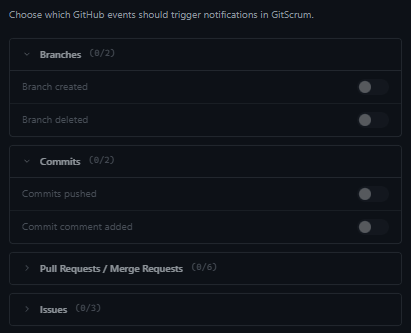
Connect in Minutes
No Code, No Plugins
Generate a scoped MCP link in GitScrum and paste it into your AI client of choice. One endpoint covers every agent you deploy. Scope it to a whole workspace, a single project, or notes only — and revoke it whenever you need to.
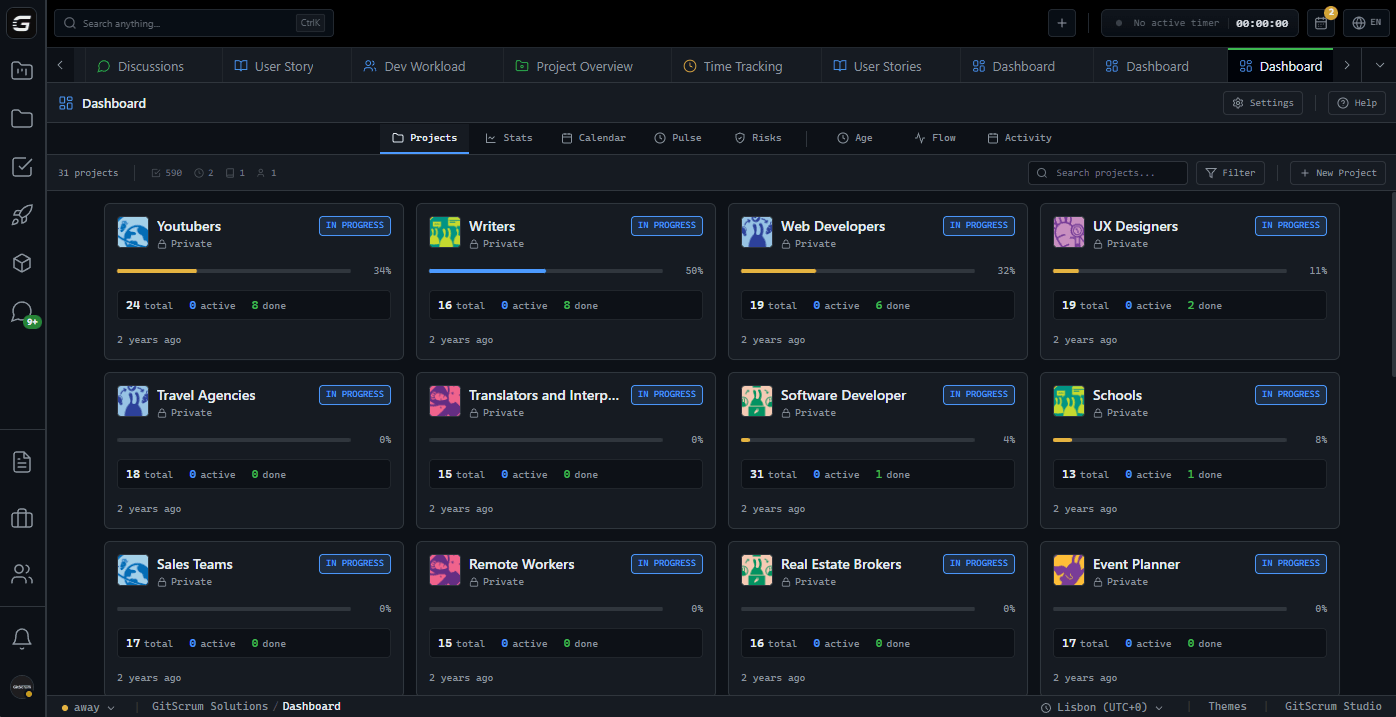
Bring Your Agents Wherever They Live
The same link works in Claude Desktop, Cursor, ChatGPT, Gemini, Copilot, VS Code, JetBrains, Cline, and any other MCP-compatible client. You pick the agents. GitScrum is where their work lands.
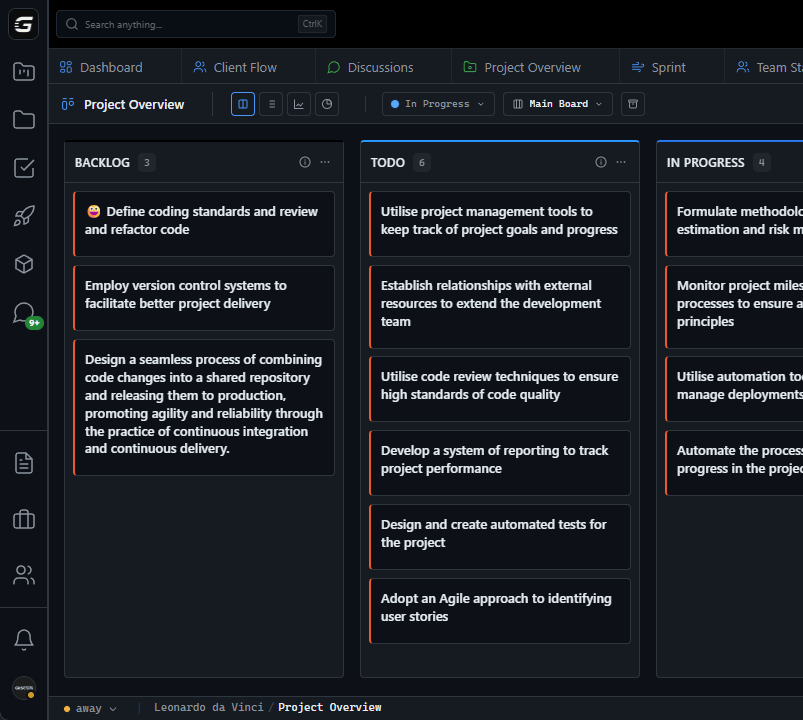
See Every Agent
On Every Task
Agents don't just read — they capture work. New items land as tasks and comments on your boards, and Pulse and Risks show what is open, in progress, blocked, overdue, or stale, across humans and agents. Risk scores and AI health scores tell you what is about to slip before it does.
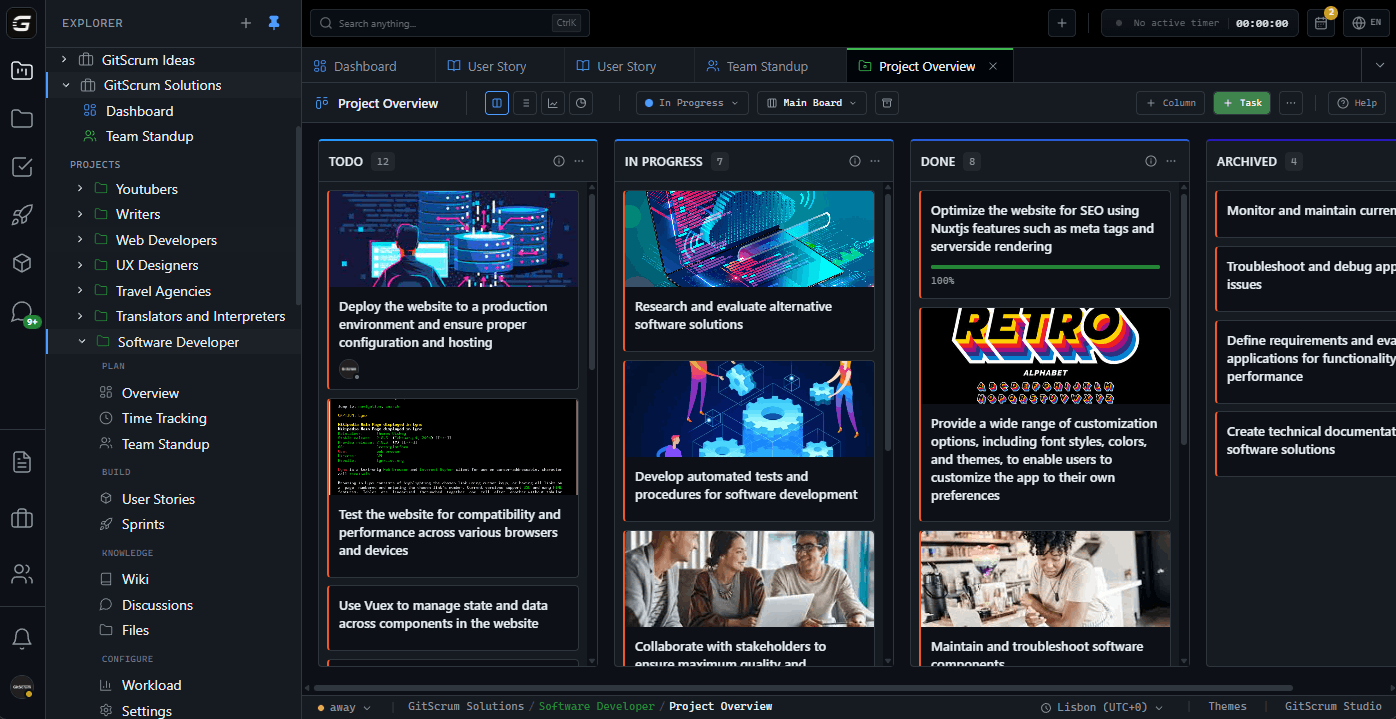
Notes Become Work
Work Becomes Notes
Your NoteVault, project wiki, and discussions are the shared context your agents work from — searchable, live, and connected to tasks. An agent reads your specs before it starts and writes its findings back where your team will actually see them.
Connect an Agent in 3 Steps
No migration, no integrations to configure. One link, one monitor.
Generate Your MCP Link
Open Connect AI in GitScrum. Generate one link and pick its scope: the whole workspace, a single project, or notes only. Each link has its own token, revocable any time.
Paste It Into Your Agent
Add the link to Claude Desktop, Cursor, ChatGPT, VS Code, or any MCP client. The slug is 'gitscrum'. Your agent can now read your projects, tasks, and notes in real time.
Watch the Work Land
Agents capture new work as tasks and comments on your boards. Monitor every agent's open, blocked, overdue, and stale items in Pulse and Risks — no babysitting, no screenshots, no 'trust me'.
For Agency Owners
Run Agent Pilots Without New Tools
Every agent pilot means another dashboard, another export, another tool to babysit.
"Every agent we deploy ships into the same boards we bill from."
— Agency FounderFor Managers
Manage Agents You Can Actually See
You can't manage agents that work outside your PM tool. Invisible work is unmanaged work.
"Pulse tells me which agent is stuck before the standup does."
— Engineering ManagerFor Developers
Your Project Is the Agent's Source of Truth
Agents lose context mid-task or invent work nobody asked for.
"I paste one link into my IDE and the agent knows my whole project. No more copy-pasting specs."
— Full-Stack DeveloperFor Clients
Verify What Agents Say They Did
You're paying for agent work you can only see in someone's chat history.
"I open the link and see exactly what the agent worked on this week."
— Client Product LeadOne Link vs. Copying Context Around
| Feature | GitScrum | Copy / Paste | Per-tool Plugins | Screenshots |
|---|---|---|---|---|
| One link works across clients | ||||
| Live reads of tasks, notes, and files | Static | |||
| Agent work captured as tasks | ||||
| Scoped tokens (workspace, project, notes-only) | ||||
| Monitoring: Pulse, risks, AI health scores | ||||
| Client visibility via shared boards | Partial | Manual | ||
| Works with Claude, Cursor, ChatGPT, VS Code | Manual | Partial | ||
| No terminal or code to connect | Manual |
Frequently Asked Questions
What is the GitScrum MCP link?
A Model Context Protocol endpoint that gives your AI agents live access to your GitScrum workspaces: projects, tasks, discussions, notes, and files. You generate it in Connect AI and paste it into your AI client of choice.
Which clients does it work with?
Any MCP-compatible client: Claude Desktop, Cursor, ChatGPT, Gemini, Copilot, VS Code, JetBrains, Cline, and more. The link is standard MCP — there is no GitScrum-specific client to install.
Can agents only read, or can they create work?
Both, within the token scope. Agents read your projects live, and they capture new work back into GitScrum as tasks and comments — so every item an agent discovers or produces shows up on your boards and in Pulse.
How are tokens secured?
Each link is a scoped token. You choose what it can touch: a whole workspace, a single project, or notes only. You can regenerate or revoke any link at any time, and access is bound to your GitScrum account and device authentication.
What does an agent see when it connects?
Whatever the token scope allows: projects and their boards, tasks and discussions, the project wiki, and your NoteVault notes. Agents get a live view — when you move a card or write a comment, the agent's next read reflects it.
How do I monitor agent work?
In Pulse and Risks. Pulse shows open, in-progress, blocked, overdue, stale, and unassigned items across humans and agents. Risks score what is about to slip, and each project carries an AI health score that blends delivery pace, completion, and overdue risk.
Can I connect several agents at once?
Yes. Different agents — or different people's agents — can run on the same or separate links. Since every agent's output lands as tasks and comments, you can see exactly who and what is working on each item, and who or what to follow up with.
What do I need to get started?
A GitScrum account — the free plan covers connecting agents and monitoring them. Pro adds Git integrations and the API with webhooks for teams that want to build on top of it.
Give Your Agents a Workspace.
One MCP link. Live monitoring. Tasks, not screenshots. Start free — no credit card required.