







Tool training is a hidden tax on productivity.
Each application in your stack was designed by a different team with different UX philosophies. Learning each one requires understanding its mental model, navigation patterns, and feature locations.
The project tracker uses boards and cards. The time tracking system uses timesheets and entries.
The documentation platform uses spaces and pages. The CI/CD system uses pipelines and stages.
Each metaphor makes sense in isolation but creates cognitive load when switching between them throughout the day. Training is never one-time.
Tools update their interfaces regularly—often improving them, but requiring users to relearn where features moved. Last quarter's training becomes outdated.
The team member who just mastered the old workflow must now learn the new one. The training burden falls unevenly.
Senior developers resist learning new tools, creating knowledge silos. Junior developers spend disproportionate time on tooling instead of craft.
Non-technical team members—PMs, designers, stakeholders—need even more training to participate in tool-heavy workflows. The real cost is attention fragmentation.
Every minute spent learning tool interfaces is a minute not spent understanding business problems, writing code, or building customer value. The cognitive overhead of remembering which tool does what and how to use each one reduces mental capacity for actual work.
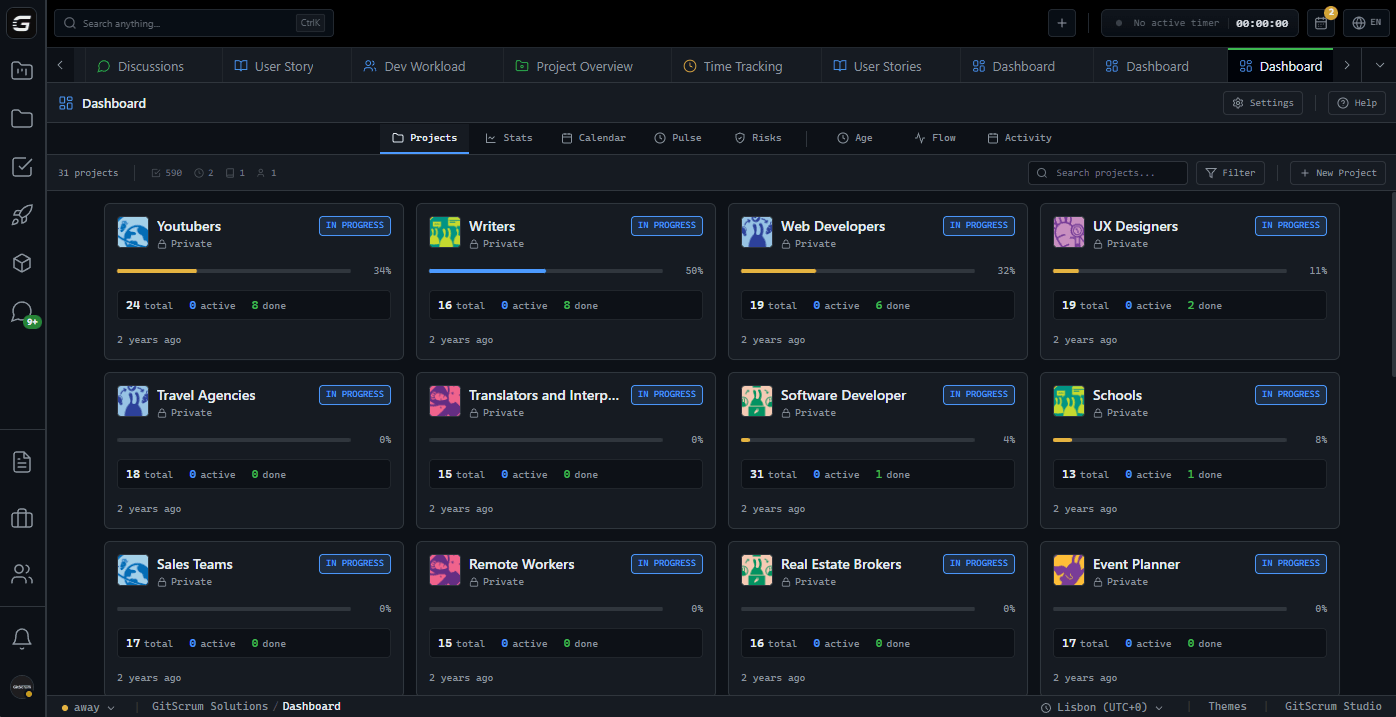
GitScrum reduces training to one interface, one set of concepts, one navigation pattern. Learn it once and you have access to project management, time tracking, documentation, and collaboration.
Updates happen cohesively, and the learning investment compounds rather than fragmenting.
The GitScrum Advantage
One unified platform to eliminate context switching and recover productive hours.


