







VS Code

GitScrum for VS Code, Google Antigravity, Cursor and Windsurf!

GitScrum logo
Solution

40-50 Micro-Interruptions Daily 2026 | Focus Killer Fix

Teams face 40-50 micro-interruptions daily from fragmented tools. Solution? Unified notification center cuts interruptions 70%. Protect deep work sessions. Free trial.

40-50 Micro-Interruptions Daily 2026 | Focus Killer Fix

Micro-interruptions are the small but frequent context breaks that fragment a developer's workday: a Slack notification pops up, an email arrives, a GitHub PR notification appears, the time tracker needs updating, a Jira comment requires response, a Confluence page needs review.

Individually, each takes only seconds. Collectively, they devastate focus.

Research on developer productivity finds 40-50 of these micro-interruptions daily in fragmented tool environments. Unlike major context switches that force complete task changes, micro-interruptions create a constant low-grade attention drain.

Developers never fully disengage from their primary task, but they also never fully engage. The result is a perpetual state of partial attention that makes deep work impossible.

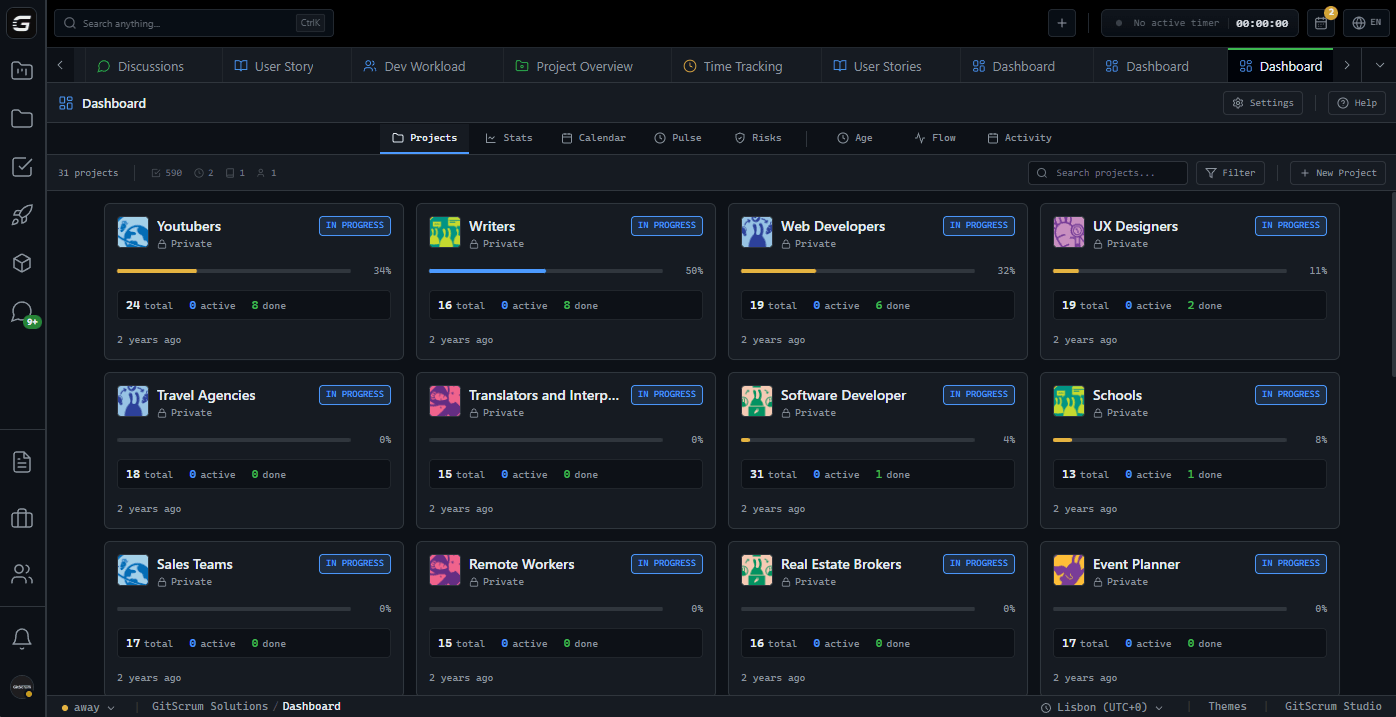
GitScrum consolidates the primary sources of these interruptions. When task updates, discussions, time tracking, and notifications exist in one interface, developers experience fewer context breaks.

Notification batching and focus modes further reduce interruption frequency. The goal: transform 40-50 scattered interruptions into a handful of intentional check-in moments.

The GitScrum Advantage

One unified platform to eliminate context switching and recover productive hours.

01

problem.identify()

The Problem

40-50 micro-interruptions daily from fragmented tool notifications

Constant low-grade attention drain preventing deep focus

Scattered notifications from Slack, email, GitHub, Jira, etc.

Developers never fully engage with primary task

Perpetual partial attention makes complex work impossible

Accumulative productivity loss from seemingly small breaks

02

solution.implement()

The Solution

Consolidate notification sources into unified center

Reduce 40-50 interruptions to handful of check-in moments

Notification batching prevents constant pinging

Focus modes protect deep work sessions

Single interface means fewer context breaks

Transform reactive interruptions into intentional reviews

03

How It Works

1

Unified Notification Center

All task updates, mentions, and alerts flow to one notification center instead of scattered across 6+ tools

2

Notification Batching

Configure notification preferences to batch non-urgent updates, reducing constant pinging to periodic summaries

3

Focus Mode

Enable focus mode during deep work sessions. Notifications queue silently and present at designated break times

4

Intentional Check-In Rhythm

Design workflow around 2-3 daily notification review sessions rather than reactive response to every ping

04

Why GitScrum

GitScrum addresses 40-50 Micro-Interruptions Per Day in Fragmented Tool Environments through Kanban boards with WIP limits, sprint planning, and workflow visualization

Problem resolution based on Kanban Method (David Anderson) for flow optimization and Scrum Guide (Schwaber and Sutherland) for iterative improvement

Capabilities

  • Kanban boards with WIP limits to prevent overload
  • Sprint planning with burndown charts for predictable delivery
  • Workload views for capacity management
  • Wiki for process documentation
  • Discussions for async collaboration
  • Reports for bottleneck identification

Industry Practices

Kanban MethodScrum FrameworkFlow OptimizationContinuous Improvement

Frequently Asked Questions

Still have questions? Contact us at customer.service@gitscrum.com

How are 40-50 micro-interruptions different from major context switches?

Micro-interruptions are brief attention breaks that do not force complete task changes—a quick glance at a notification, a Slack message check. Major context switches involve moving to entirely different tasks. Both damage productivity, but micro-interruptions create a constant low-grade drain that prevents deep focus.

Will I miss important notifications if I batch them?

Notification batching can be configured by priority. Urgent mentions or blockers can still interrupt immediately while routine updates queue for periodic review. This ensures truly important items get attention while reducing noise from non-urgent updates.

How does consolidating tools reduce interruptions?

When notifications from 6+ tools funnel into one center, you check one place instead of six. When task context includes linked discussions, you don't need to switch to Slack. Each consolidated source is one fewer interruption trigger throughout the day.

Ready to solve this?

Start free, no credit card required. Cancel anytime.

Works with your favorite tools

Connect GitScrum with the tools your team already uses. Native integrations with Git providers and communication platforms.

GitHubGitHub
GitLabGitLab
BitbucketBitbucket
SlackSlack
Microsoft TeamsTeams
DiscordDiscord
ZapierZapier
PabblyPabbly

Connect with 3,000+ apps via Zapier & Pabbly