
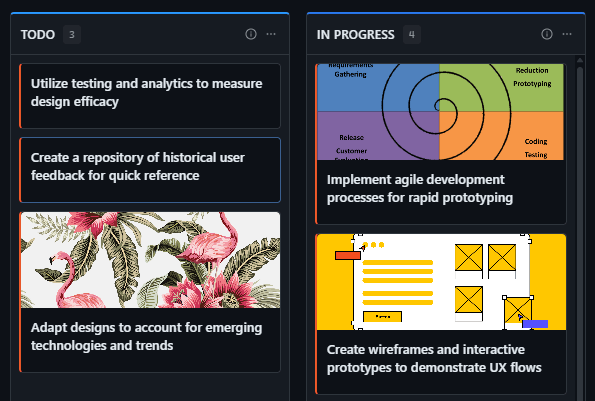








Heavy suites ship features no one asked for, so teams disable most of them and keep a shadow spreadsheet Every module of a heavyweight tool has its own vocabulary, so nobody explains work in the tool itself Reports live in export files that are already stale by the time a meeting starts GitScrum answers: One lightweight hub instead of a suite: boards, notes, wiki, time tracking and client portal in a single place The interface is the interface — no module tax, no vocabulary to memorise Live dashboards replace exports: delivery pace and risk are read on screen, not in a PDF Start with one MCP link: connect the workspace so your agents share context with your team.
Launch offer: 87% off the first year — $106.80 instead of $854.40 on the annual Team plan.
The GitScrum Advantage
One unified platform to eliminate context switching and recover productive hours.