
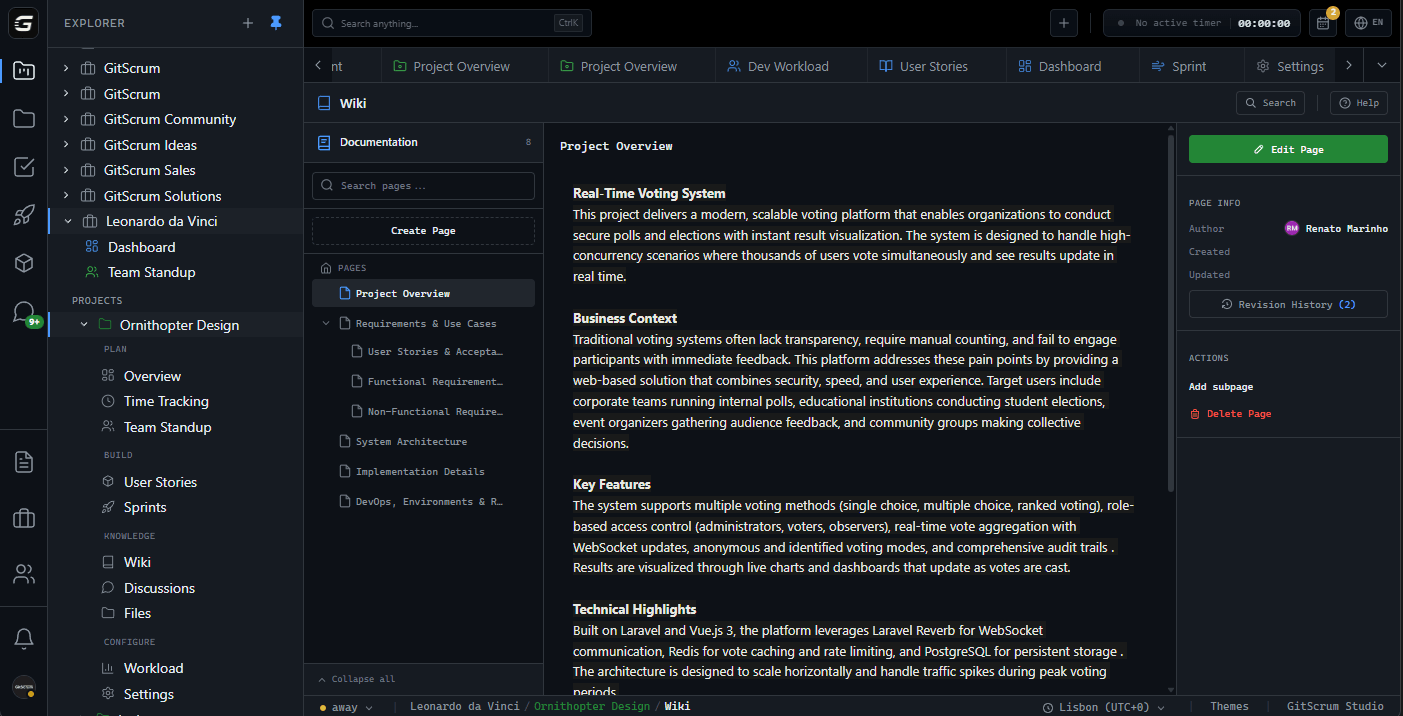








New members spend weeks asking the same three questions, and senior time on answering them The team knowledge lives in heads and in threads, so onboarding is a memory project New hires are idle while they map the terrain of where everything is kept GitScrum answers: The project Wiki is the first place a new member looks: processes, specs, answers, in one place agents read too NoteVault notes carry the decisions and their context, so week two starts from the right context Global search finds the task, project, note or person in milliseconds — the terrain is legible on day one Start with one MCP link: connect the workspace so your agents share context with your team.
Launch offer: 87% off the first year — $106.80 instead of $854.40 on the annual Team plan.
The GitScrum Advantage
One unified platform to eliminate context switching and recover productive hours.