
PRO Annual — 50 users, $106.80/year

GitScrum logo
Solution

Release Notes Nobody Reads 2026 | Targeted Notifications

Release notes for everyone, read by no one. Targeted notifications by role. Sales sees features, support sees bugs. Right updates to right people. Free trial.

Release Notes Nobody Reads 2026 | Targeted Notifications
PRO Annual
$106.80/year · 50 users · no per-seat
Get PRO Annual

Release notes are written for everyone and read by no one.

They're comprehensive documents covering every change, sent to massive distribution lists, formatted as walls of text. Sales needs to know about customer-facing features.

Support needs to know about bug fixes. Marketing needs to know about messaging angles.

Operations needs to know about infrastructure changes. But everyone gets the same everything-dump.

The CEO doesn't need to know about the logging format change. The support agent doesn't need the technical details of the database migration.

So they all skim, miss what's relevant to them, and move on. When something matters, they find out the wrong way—from a confused customer, a failed promise, or a surprise in production.

The GitScrum Advantage

One unified platform to eliminate context switching and recover productive hours.

01

problem.identify()

The Problem

Release notes written for everyone, read by no one

One-size-fits-all communication doesn't fit anyone

Stakeholders miss updates relevant to their role

Important changes discovered through problems

Communication effort wasted on unread documents

02

solution.implement()

The Solution

Role-based release notifications

Automatic categorization of changes by audience

Multiple formats for different consumption patterns

Read tracking and acknowledgment

Relevant highlights surfaced to relevant people

03

How It Works

1

Role-Based Notifications

Sales gets customer-facing changes: 'New CSV export feature, requested by 47 customers. Talk track: [link]. Demo: [link].' Support gets bug fixes: 'Payment timeout issue resolved. Customer communication template: [link].' Each role sees what they need.

2

Automatic Categorization

Changes are categorized during development: customer-facing feature, bug fix, internal tooling, infrastructure. At release, the categorization drives distribution. No manual sorting of the release notes.

3

Multiple Formats

Engineers get technical details. Sales gets customer messaging. Executives get business impact summary. The same release, presented appropriately for each audience. Nobody wades through irrelevant details.

4

Read Tracking

For critical changes, acknowledge required: 'Payment API change: 12/15 Support team acknowledged.' When customers call, you know whether support knows about the change or needs a heads-up.

04

Why GitScrum

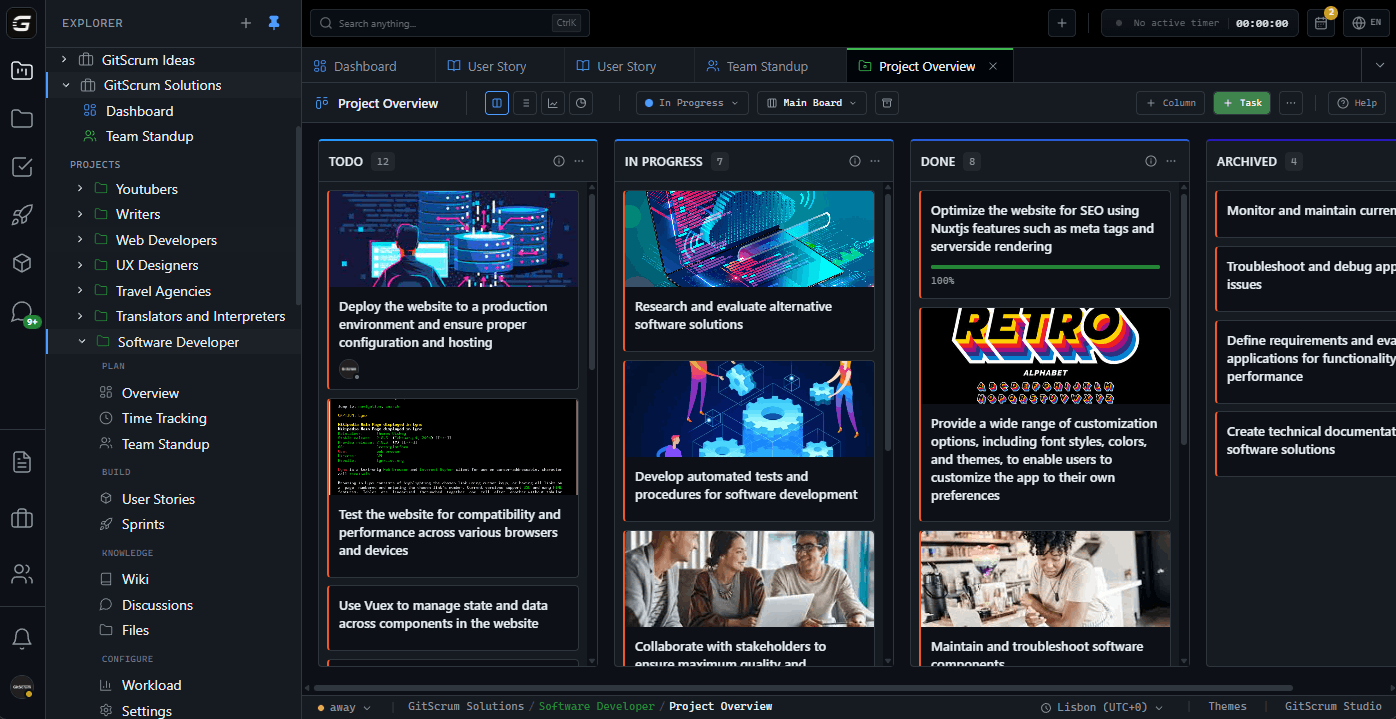
GitScrum addresses Release Notes Nobody Reads through Kanban boards with WIP limits, sprint planning, and workflow visualization

Problem resolution based on Kanban Method (David Anderson) for flow optimization and Scrum Guide (Schwaber and Sutherland) for iterative improvement

Capabilities

  • Kanban boards with WIP limits to prevent overload
  • Sprint planning with burndown charts for predictable delivery
  • Workload views for capacity management
  • Wiki for process documentation
  • Discussions for async collaboration
  • Reports for bottleneck identification

Industry Practices

Kanban MethodScrum FrameworkFlow OptimizationContinuous Improvement

Frequently Asked Questions

Still have questions? Contact us at customer.service@gitscrum.com

How do we categorize changes when developers don't think about audience?

Build it into the workflow. PRs and tickets require a category selection. Make it easy: dropdown with clear options (Customer-facing, Internal tooling, Infrastructure, Bug fix). Two seconds to select, hours saved in communication.

What about changes that affect multiple audiences?

Changes can have multiple categories. A new API endpoint might be both 'Customer-facing' (Sales needs to know) and 'Technical' (Engineering needs implementation details). Different audiences get different views of the same change.

Won't this create more work for the release process?

Less work total. Currently: write comprehensive notes, send to everyone, follow up when people miss things. With role-based: categorization happens during development, distribution is automatic, follow-up is minimal because people actually read what's relevant to them.

How do we handle urgent changes that need immediate awareness?

Priority levels work alongside categories. A critical security fix gets pushed immediately to all relevant parties with acknowledgment required. The normal flow handles routine releases; escalation handles emergencies.

Ready to solve this?

Start free, no credit card required. Cancel anytime.

Works with your favorite tools

Connect GitScrum with the tools your team already uses. Native integrations with Git providers and communication platforms.

GitHubGitHub
GitLabGitLab
BitbucketBitbucket
SlackSlack
Microsoft TeamsTeams
DiscordDiscord
ZapierZapier
PabblyPabbly

Connect with 3,000+ apps via Zapier & Pabbly






