
GitScrum PRO Annual — 2,500+ SaaS apps via MCP

GitScrum logo
Solution

Duplicate Time Entries 2026 | Log Once Export All

Log time twice: PM tool + billing. Reconciliation hell. GitScrum: log once, export anywhere, zero duplication. $8.90/user. 2 free forever. Free trial.

Duplicate Time Entries 2026 | Log Once Export All

Many organizations maintain separate systems for time tracking and billing.

The project management tool has built-in time tracking for measuring team productivity and project progress. But the billing system—often a different platform entirely—generates invoices for clients and handles financial reporting.

Time logged in one system does not appear in the other. Developers must log their hours twice: once in the project tool against specific tasks, then again in the billing system with client codes and billing categories.

The data should be identical, but the entry is duplicated. This creates multiple problems.

First, the time cost of double entry—every hour logged takes twice as long to record. Second, the inconsistency risk—what if the hours do not match?

Discrepancies between the tracking and billing systems require investigation. Which system is correct?

Third, the reconciliation overhead—someone must regularly compare the two systems to ensure they align, catching errors before they become billing disputes. This reconciliation work is pure administrative overhead.

For agencies and consultancies billing by the hour, this is a significant pain. Every billable hour must be tracked for project management AND entered for invoicing.

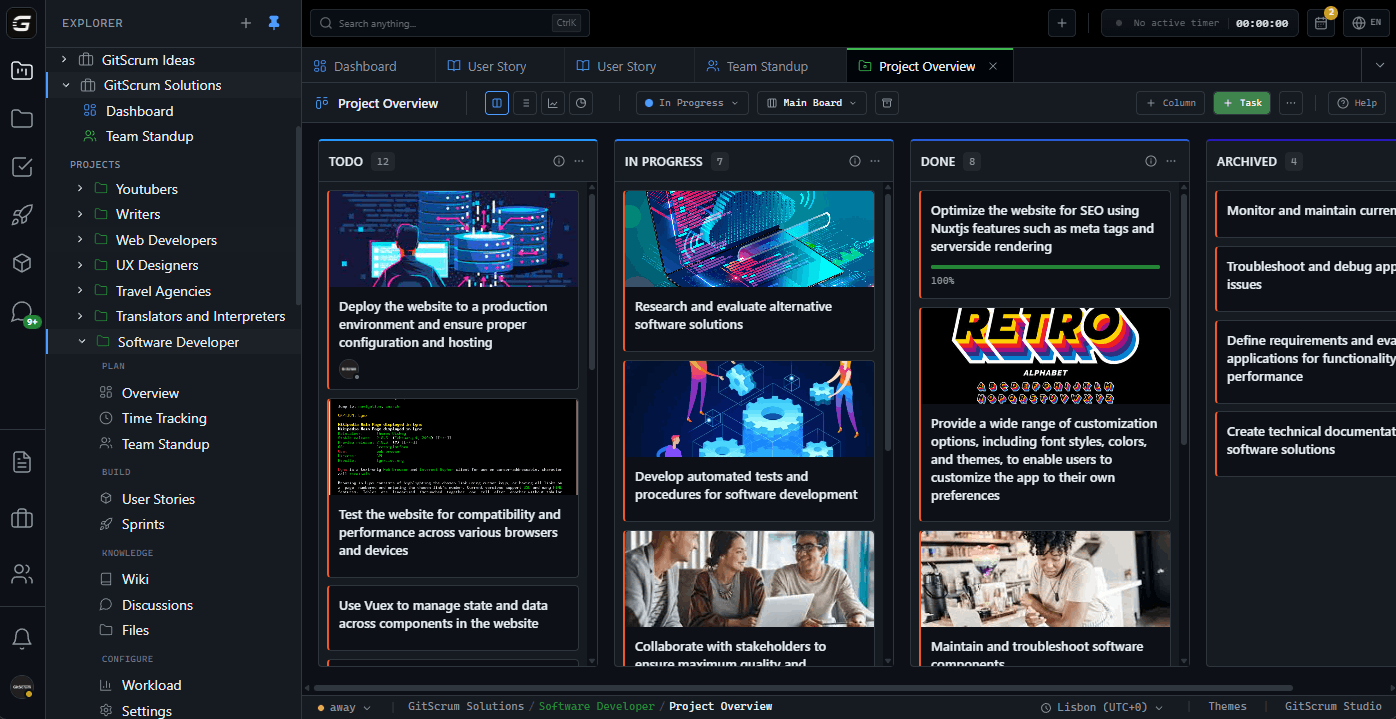
The two systems run in parallel, never syncing, always requiring manual alignment. GitScrum integrates time tracking directly with project management.

Time logged against tasks is immediately available for reporting, analysis, and export to billing systems. No double entry.

No reconciliation dance. One source of truth for time data.

The GitScrum Advantage

One unified platform to eliminate context switching and recover productive hours.

01

problem.identify()

The Problem

Time logged in project tool then re-entered in billing system

Same hours tracked twice in disconnected systems

Inconsistencies between tracking and billing data

Regular reconciliation required to catch discrepancies

Double entry overhead for every billable hour

Billing disputes from data mismatches

02

solution.implement()

The Solution

Integrated time tracking within project management

Log time once against tasks, available for all uses

Export time data to billing systems without re-entry

Automatic consistency between tracking and reporting

Eliminate reconciliation overhead completely

Single source of truth for time data

03

How It Works

1

Task-Linked Time Entry

Log time directly against tasks within the project context

2

Automatic Aggregation

Time entries roll up to projects, clients, and reporting views

3

Export Integration

Export time data to billing systems in required formats

4

Consistent Reporting

Same data powers productivity analysis and billing reports

04

Why GitScrum

GitScrum addresses Time Entries Logged Separately in Tracking and Billing Systems through Kanban boards with WIP limits, sprint planning, and workflow visualization

Problem resolution based on Kanban Method (David Anderson) for flow optimization and Scrum Guide (Schwaber and Sutherland) for iterative improvement

Capabilities

  • Kanban boards with WIP limits to prevent overload
  • Sprint planning with burndown charts for predictable delivery
  • Workload views for capacity management
  • Wiki for process documentation
  • Discussions for async collaboration
  • Reports for bottleneck identification

Industry Practices

Kanban MethodScrum FrameworkFlow OptimizationContinuous Improvement

Frequently Asked Questions

Still have questions? Contact us at customer.service@gitscrum.com

Why do developers have to log time in two different systems?

Project management and billing often use separate software. The project tool tracks time for productivity and progress visibility. The billing system tracks time for invoicing clients. Since these systems do not share data, the same hours must be entered twice—once for project tracking, once for billing. The systems run in parallel, never communicating.

What happens when the two systems do not match?

Discrepancies between tracking and billing data create problems. A developer logged 8 hours in the project tool but only 7.5 in billing—which is correct? Someone must investigate, compare records, determine the error, and correct it. This reconciliation work happens regularly—weekly, monthly, per project—consuming administrative time that could go to productive work.

How does integrated time tracking eliminate double entry?

When time tracking is part of the project management platform, time logged against tasks is automatically available for all purposes: productivity analysis, project progress, and billing reports. Log time once, and it flows to wherever it is needed. Export functions can send time data to external billing systems in their required formats. No duplicate entry, no reconciliation, no discrepancies.

Ready to solve this?

Start free, no credit card required. Cancel anytime.

Works with your favorite tools

Connect GitScrum with the tools your team already uses. Native integrations with Git providers and communication platforms.

GitHubGitHub
GitLabGitLab
BitbucketBitbucket
SlackSlack
Microsoft TeamsTeams
DiscordDiscord
ZapierZapier
PabblyPabbly

Connect with 3,000+ apps via Zapier & Pabbly






