
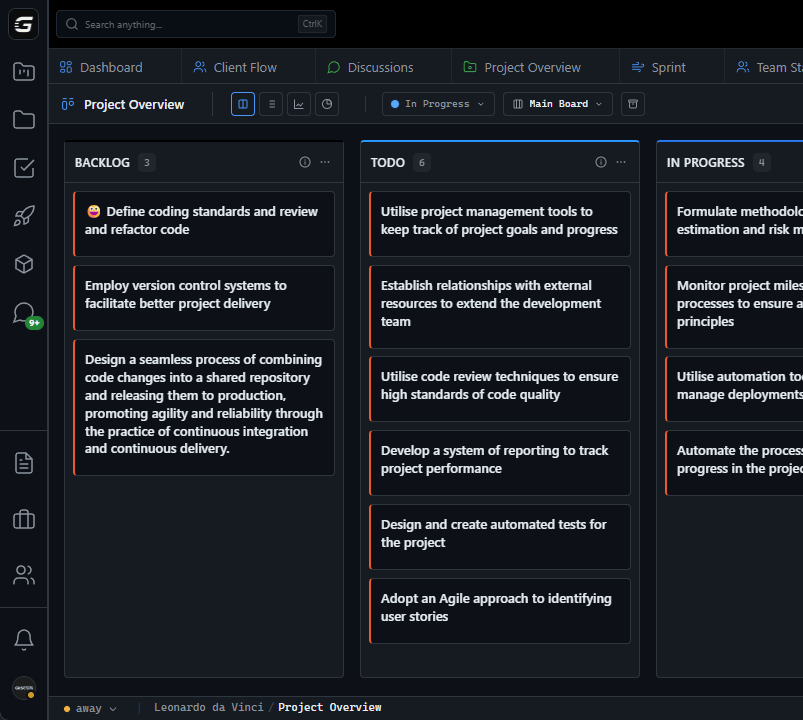







GitScrum Demo Options: --- SELF-SERVE VS GUIDED DEMO Option 1: Self-Serve (Instant) No scheduling needed: 1.
Go to gitscrum.com 2. Click "Start Free" 3.
Create account (no credit card) 4. Explore with sample data 5.
Duration: Your pace Best for: Hands-on learners, small teams, quick evaluation --- Option 2: Guided Demo (Scheduled) Personalized walkthrough: 1. Schedule 30-min call 2.
Tell us your use case 3. We show relevant features 4.
Q&A with product expert 5. Migration planning discussion Best for: Teams 10+, complex requirements, enterprise evaluation --- WHAT WE COVER IN DEMOS Standard Demo (30 min): | Time | Topic | |------|-------| | 0-5 min | Your current workflow and pain points | | 5-15 min | Sprint planning & board management | | 15-20 min | Time tracking & reporting | | 20-25 min | GitHub integration demo | | 25-30 min | Q&A and next steps | Extended Demo (45 min): Adds: - Client portal walkthrough - Advanced roadmap features - User permissions setup - Migration path from current tool - Custom integration discussion --- DEMO REQUEST FORM To schedule, email demo@gitscrum.com with: Subject: Demo Request - [Company Name] 1.
Company name: 2. Your role: 3.
Team size: 4. Current PM tool: 5.
Biggest pain points: 6. Specific features to see: 7.
Preferred time zones: 8. Preferred dates/times: We respond within 24 hours with calendar link.
--- DEMO PREPARATION Before the demo: - List your top 3 pain points with current tool - Identify must-have features - Think about migration concerns - Gather questions from team During the demo: - Camera optional, mic helpful - Ask questions anytime - Request specific workflows - Take notes on relevant features After the demo: - Receive recording (if requested) - Get extended trial if needed - Follow-up with additional questions - Migration planning call available --- SAMPLE DEMO SCENARIOS Scenario 1: Dev Team Migration from Jira Focus areas: - Sprint planning comparison - GitHub integration depth - Board customization - Migration from Jira process Scenario 2: Agency with Multiple Clients Focus areas: - Workspace/project organization - Client portal setup - Time tracking for billing - Multi-project dashboards Scenario 3: Startup Evaluating Tools Focus areas: - Feature overview - Pricing comparison - Scaling considerations - Free tier capabilities --- NO-PRESSURE POLICY Our demos are: - Educational, not sales-y - Focused on your needs - No commitment required - No follow-up spam We'll answer your questions honestly, even if the answer is "that feature doesn't exist yet" or "you might be better served by [competitor] for that use case." --- AFTER THE DEMO If you want to proceed: - Start free trial (extended for demo attendees) - Migration assistance offered - Onboarding call available - Pilot program for teams 10+ If you need more time: - Access to sandbox environment - Additional demos for stakeholders - ROI analysis assistance - No pressure, no expiring offers --- SCHEDULE NOW Email: demo@gitscrum.com Response time: Within 24 hours Demo length: 30-45 minutes Required: Nothing (no install, no credit card) Or skip the demo and start free: gitscrum.com/signup
The GitScrum Advantage
One unified platform to eliminate context switching and recover productive hours.


