







Kanban Principles for Software Kanban is about flow: - Visualize work - Limit work in progress - Manage flow - Make policies explicit - Implement feedback loops - Improve collaboratively Simple.
Powerful. Perfect for continuous delivery.
Why Developer Kanban Is Different Generic Kanban boards miss developer context: Code State Matters: - Is it in a branch? - Is there a PR open?
- Is CI passing? - Is it deployed?
Task types matter: - Feature vs bug vs tech debt - Frontend vs backend vs full-stack - Quick fix vs multi-day effort Relationships matter: - Blocked by another task - Depends on external API - Waiting for code review GitScrum: Developer-Native Kanban 1. Visual Board with Code Context Columns show work state: - Backlog (not started) - In Progress (being coded) - In Review (PR open) - Done (merged + deployed) Each card shows: - Task title and description - Assignee avatar - Branch name (auto-linked) - PR status (open/merged) - Labels for type/priority 2.
WIP Limits That Work Set limits per column: - In Progress: Max 3 per developer - In Review: Max 5 total Column turns red when exceeded. Forces finishing before starting.
Reduces context switching. 3.
Git-Connected Flow Automatic transitions: - Create branch -> Move to In Progress - Open PR -> Move to Review - Merge PR -> Move to Done Manual drag still works. But code actions drive board state.
4. Flow Metrics Measure what matters: - Cycle time: How long from start to done - Lead time: How long from created to done - Throughput: How many completed per week - WIP age: How long items sit in progress Data-driven improvement.
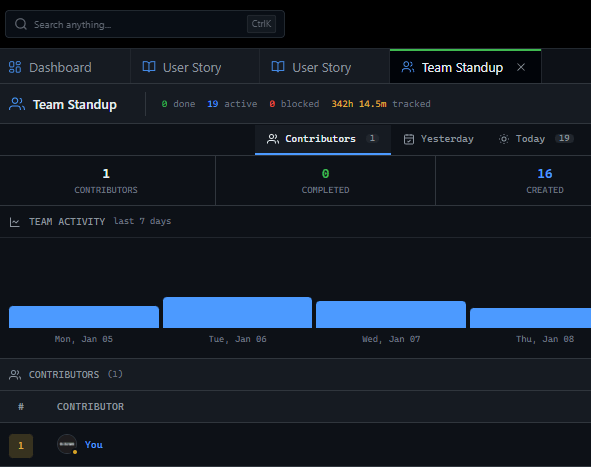
5. Dark Mode Native Because developers live in dark mode.
Terminal is dark. VSCode is dark.
Board should be dark. Not a theme toggle.
Native experience. Kanban vs Scrum in GitScrum Kanban in GitScrum: - No sprints required - Continuous flow - WIP limits focus - Cycle time optimization - Pull when ready Scrum in GitScrum: - Time-boxed sprints - Sprint backlog commitment - Velocity tracking - Sprint ceremonies - Push at planning Both available.
Use what fits. Mix if needed (Scrumban).
For Teams That Ship Continuously Kanban works for: - Maintenance teams (bugs flow in continuously) - Support-driven development - DevOps and infrastructure - Teams tired of sprint pressure - Continuous deployment shops Kanban might not fit: - Teams needing predictable delivery dates - External stakeholders wanting sprint cadence - Organizations measuring velocity Pricing GitScrum Kanban: - 2 users FREE forever - Unlimited boards - WIP limits - Git integration - Flow metrics - Dark mode native - $8.90/user/month beyond 2 Kanban that flows like your code should.
The GitScrum Advantage
One unified platform to eliminate context switching and recover productive hours.


